ArcValidator
Operating manual - EN
2.3 ArcValidator settings
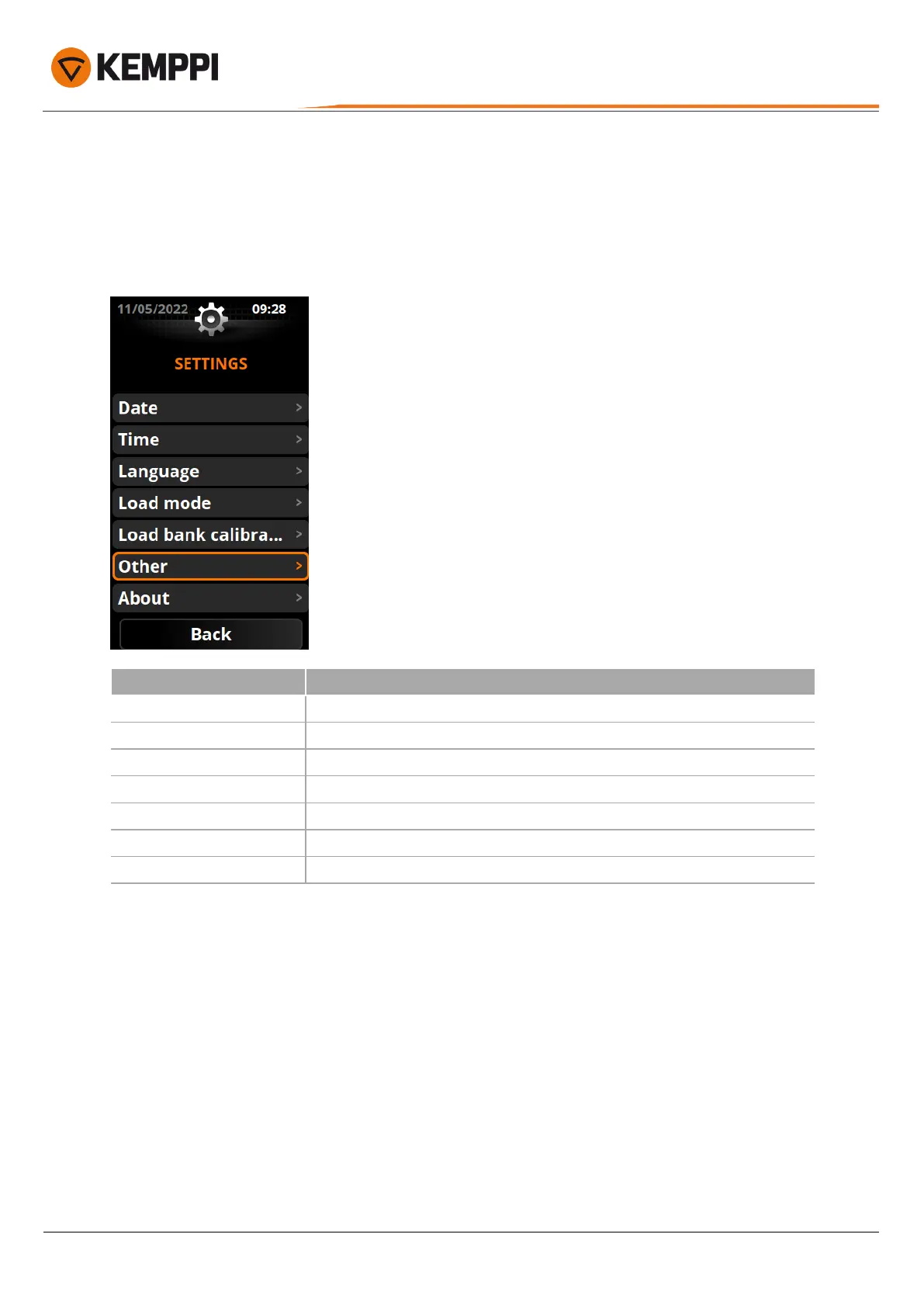
The settings menu on the ArcValidator RC device includes the basic time and date settings as well as the option to use
the ArcValidator load bank in manual mode. Also the option to enable or disable the automatic trigger sensing function
is available for manual verification.
Open the settings menu by selecting 'Settings' on the ArcValidator RC main screen.
Setting Description
Date
Date settings.
Time
Time settings.
Language
Language settings.
Load mode
This setting allows the ArcValidator to be used in manual load bank mode.
Load bank calibration date
Next load bank calibration due date.
Other
Other features and functions. Refer to "Auto trigger sensing" on the next page.
About
Information about the system.
© Kemppi
13
AVPCRC / 2224











 To Next Page