ArcValidator
Operating manual - EN
4. MAINTENANCE
4.1 Updating RC device software
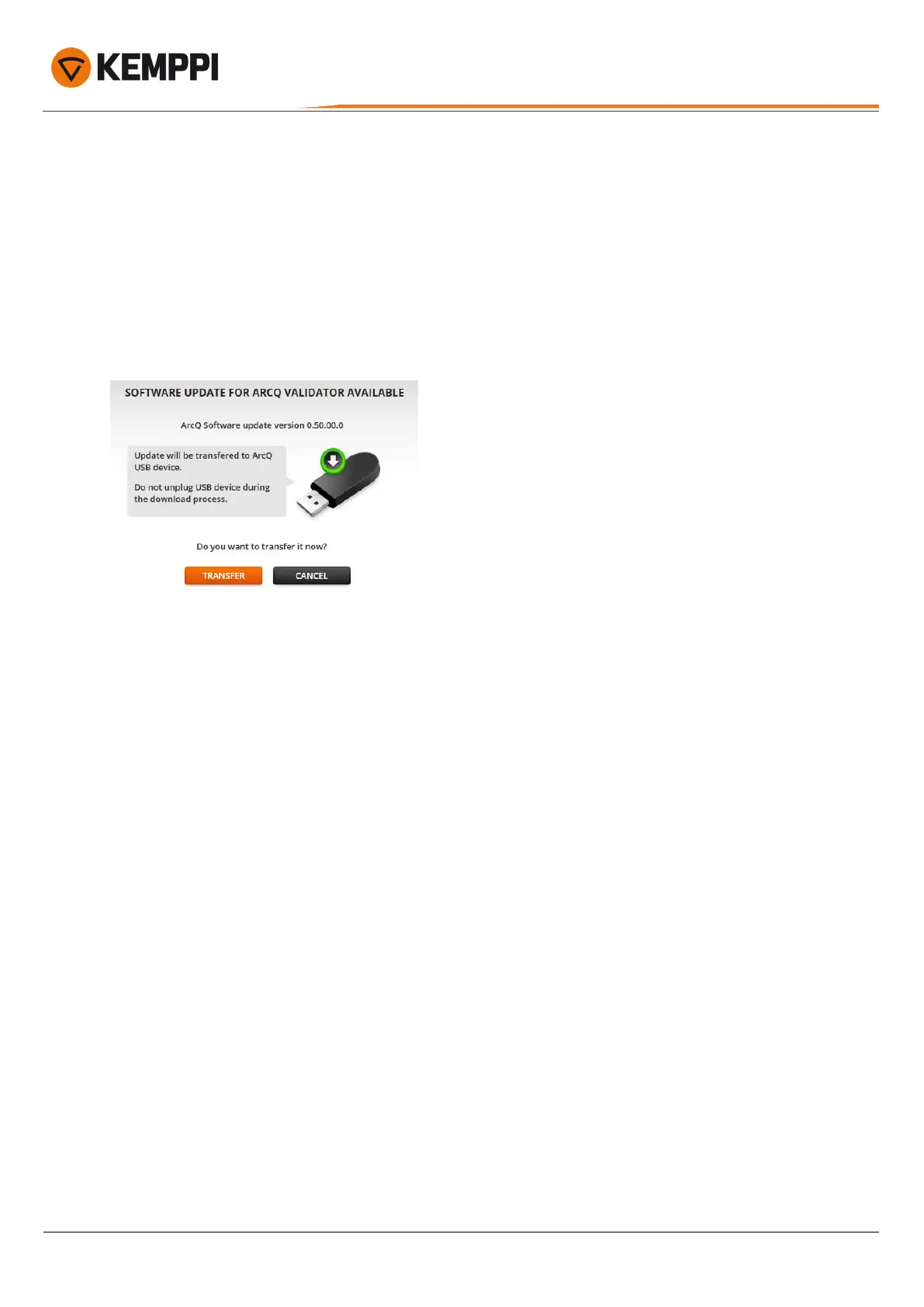
ArcValidator RC device software can be updated when a new software version is available. You will be notified about the
new version once you connect the DataStick to the computer.
The following window opens automatically:
1. Click the Transfer button to transfer the software update file to the DataStick.
When you connect the DataStick to the ArcValidator RC handset the next time, the software update will be installed.
© Kemppi
31
AVPCRC / 2224










 To Next Page