26
Using the PC Application
Outputting a Still Image from
Video
Capture video at any location from the video
currently playing as a still image.
1.
Start KENWOOD DRIVE REVIEWER.
2.
Select the <JVCKENWOOD> drive for
the SD card with <SELECT FOLDER
(S)> from the FILE (F) menu.
3.
Select and play the le you wish to
play.
4.
Press the [ ] button.
5.
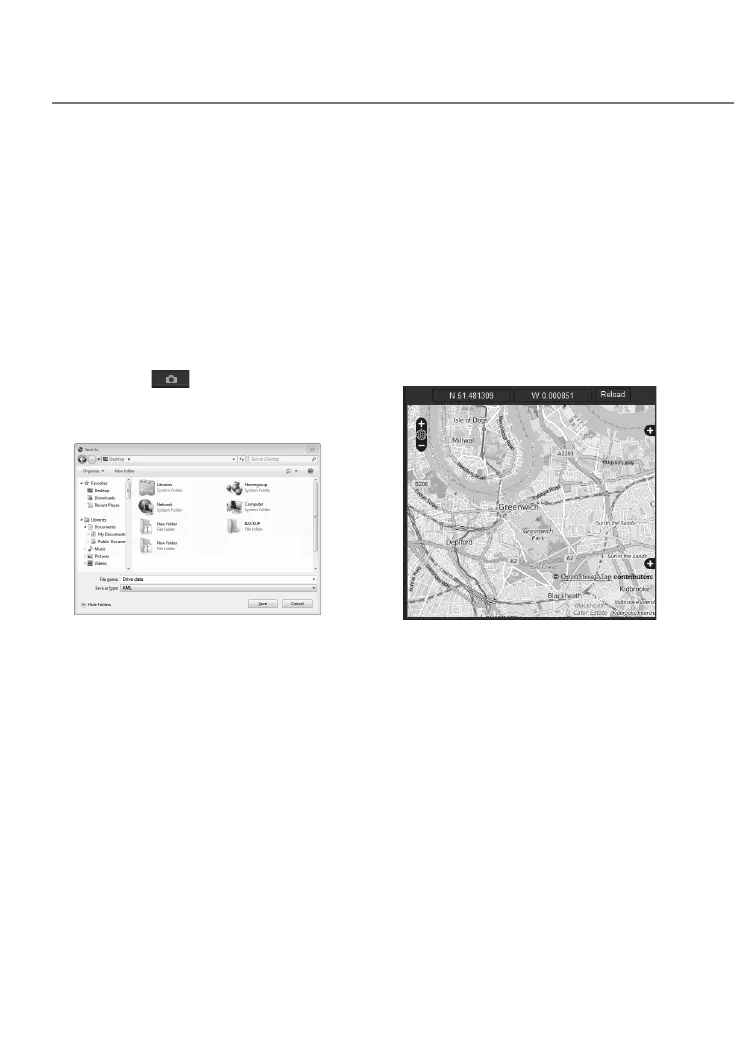
Select the backup destination folder
and enter a le name.
6.
Press the [Save] button.
Using MAP
Display a map for the location of a recorded
video. An Internet connection is required to use
MA P.
1.
Start KENWOOD DRIVE REVIEWER.
2.
Select the <JVCKENWOOD> drive for
the SD card with <SELECT FOLDER
(S)> from the FILE (F) menu.
3.
Select and play the le you wish to
play.
4.
Press the [MAP].
DRV-430_B5A-0959-01_EU_EN.indd 26 2017/12/21 12:13


 To Next Page