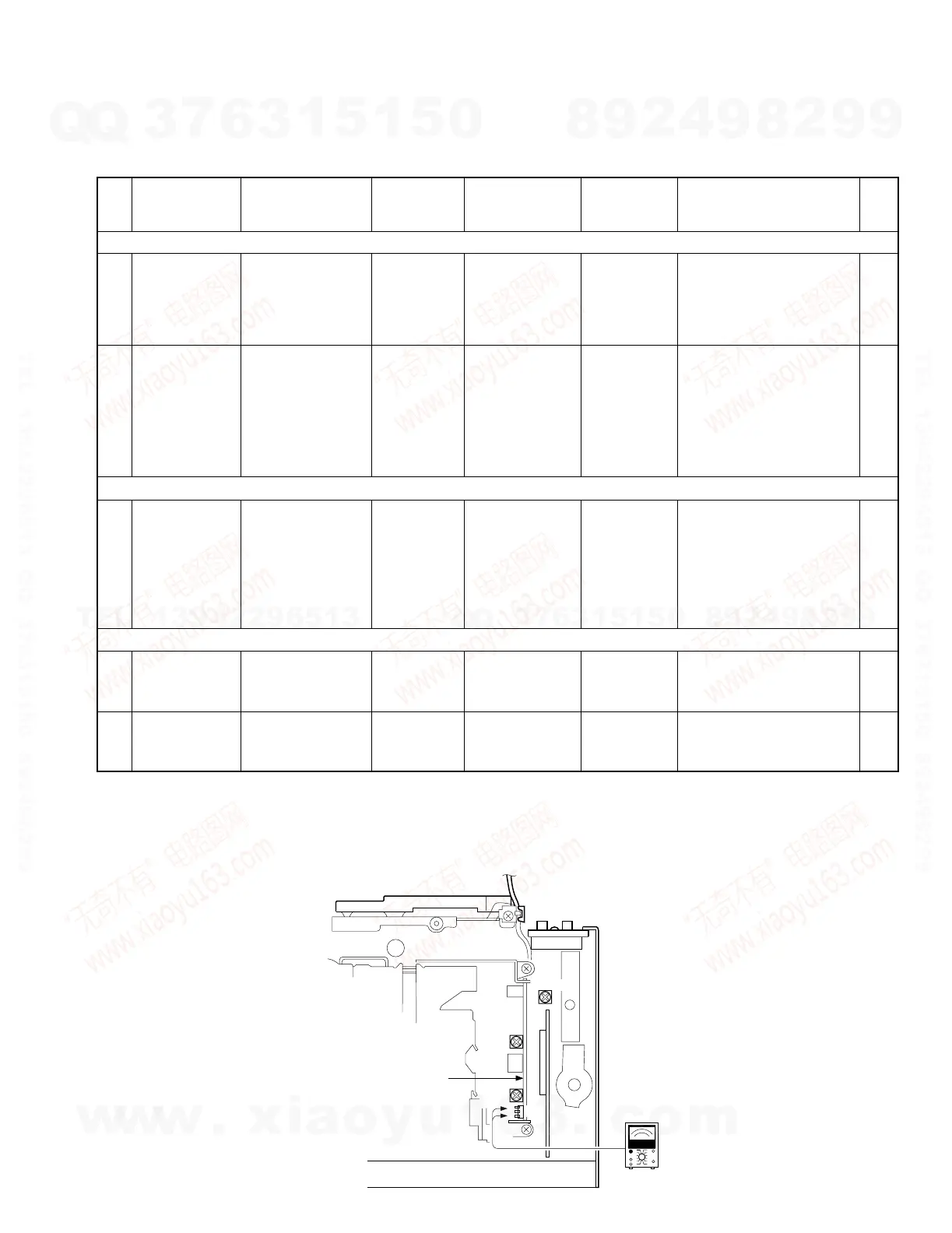
No ITEM INPUT SETTINGS
OUTPUT
SETTINGS
TUNER
(RECEIVER)
SETTINGS
ALIGNMENT
POINTS
ALIGN FOR FIG.
FM SECTION
1
SEPARATION
(NARROW)
for M
(K2I) model.*
98.1MHz
1kHz,±67.5kHz dev
Pilot:±7.5kHz dev
Selector:L or R
60dBµ (ANT input)
Connect a
AC voltmeter
to SP OUT
TEST MODE:ON
(Forced Narrow)
FM 98.1MHz
VR1
(X14-)
Adjust it so that the
crosstalk from L to R and R
to L become minimum.
2
S METER
VOLTAGE
98.1MHz 0 dev
35dBµ (ANT input)
–
TEST MODE: ON
FM
98.1MHz
Preset "1"key,
and
preset "6" key
While holding preset "1"
key, press and hold preset
"6" key for a few seconds.
"ADJ OK" is displayed if the
adjustment is OK and "ADJ
NG" is displayed if it is not
good.
AM SECTION
(1) SD VOLTAGE
990 kHz
0% mod
35dBµ (ANT input)
–
TEST MODE: ON
AM
990 kHz
Preset "1"key,
and
preset "6" key
While holding preset "1"
key, press and hold preset
"6" key for a few seconds.
"ADJ OK" is displayed if the
adjustment is OK and "ADJ
NG" is displayed if it is not
good.
CASSETTE DECK SECTION
[1] AZIMUTH
TCC-153
10kHz
Connect a
AC voltmeter
to SP OUT
TAPE PLAY
Head Azimuth
Screw
Adjust the azimuth for each
Lch/Rch or FWD/RVS
becomes maximum
[2]
PLAY BACK
LEVEL
TCC-130
Connect a
AC voltmeter
to CN2
TAPE PLAY
VR1 (L)
VR2 (R)
(X87)
387.5mV (-6dBm) (a)
TEST MODE : ON While holding the "FM" key and preset "6" key, reset the unit.
*M (K2I) model: KRC-PS988R
(Forced Narrow) Press "SRC" key. Tuner mode ON.
Press preset "6" key. "NEWS" goes OFF.
Set the controls and switches as follows.
BALANCE :center position BASS :center position LOUD :OFF DOLBY NR :OFF
FADER :center position TREBLE :center position



 To Next Page