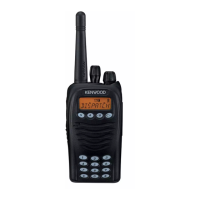
TK-3170
9
REALIGNMENT (Signaling type for Decode = 5-tone)
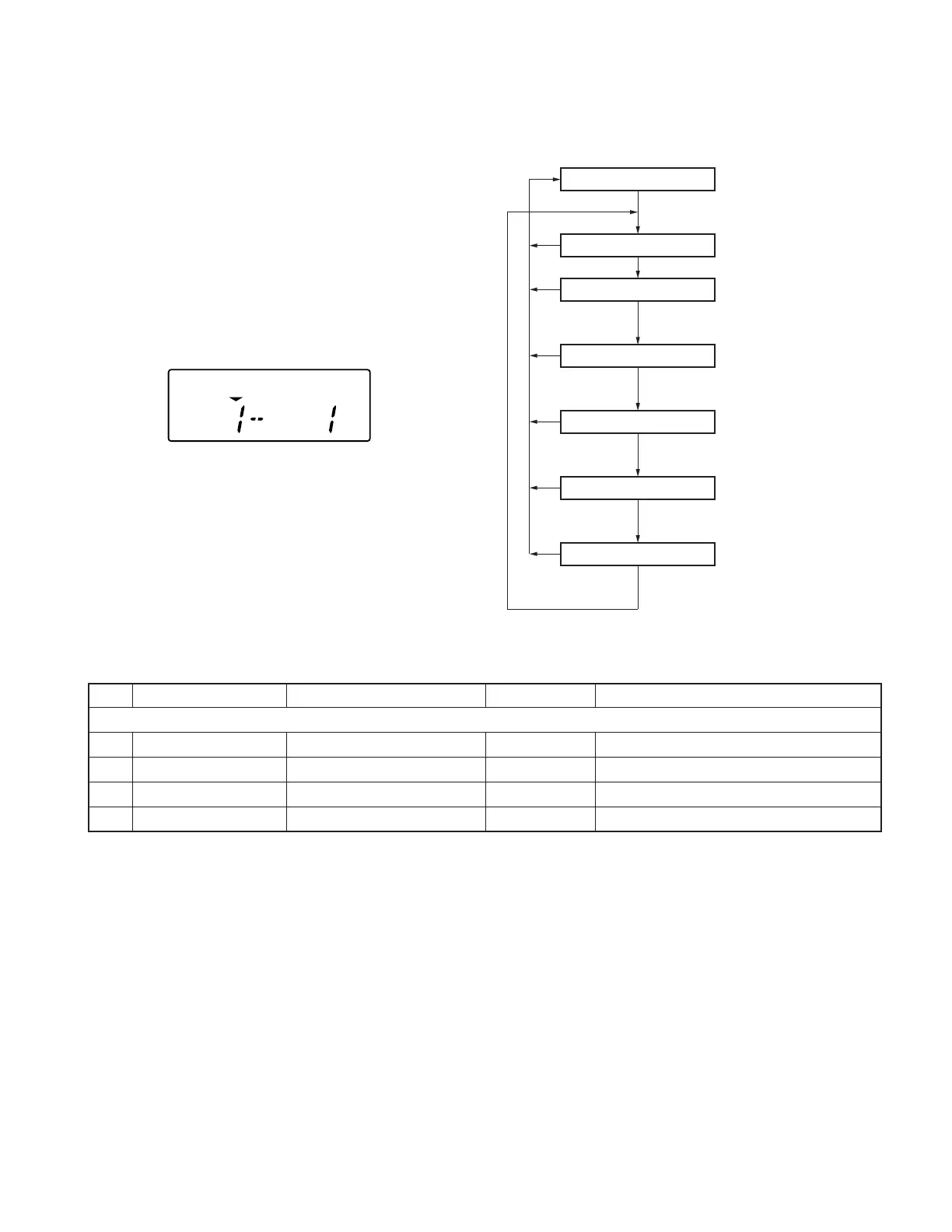
■ Zone edit mode flow chart
Self programming mode
Channel select mode
Zone select mode
Time-out timer
TOT pre-alert
TOT rekey time
TOT reset time
[Side2]
[A]
[C]
[B] (Write data)
[C] (Don’t write data)
[B] (Write data)
[C] (Don’t write data)
[B] (Write data)
[C] (Don’t write data)
[B] (Write data)
[C] (Don’t write data)
[S]
[S]
[S]
[S]
[S]
[S]
You cannot enter the zone edit mode
when channel data is not set
■ Zone edit mode
1. Press the [A] key so that the “▼“ indicator is located on
the left side, above the zone number.
2. Rotate the selector select your desired zone number.
3. Press the [C] key to enter Zone Edit Mode.
4. Press the [C] key again to select the setting you wish to
modify.
5. Rotate the selector to select the desired value.
6. Press the [B] key to store the value in memory and ad-
vance to the next setting.
7. Press the [C] key to skip any settings you do not wish to
modify.
Press the [S] key to exit. “SELF” appears on the display.
No. Function Choices Display Remarks
Zone Edit
1 Time-out Timer 15~1200/15s Default=60
2 TOT Pre-alert Off, 1~10/1s Default=Off
3 TOT Rekey Time Off, 1~60/1s Default=Off
4 TOT Reset Time Off, 1~15/1s Default=Off
TOT _ _ _ 6 0
TOTP_OFF
TOTK_OFF
TOTS_OFF






 To Next Page