EasyManua.ls Logo

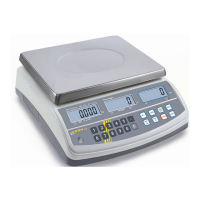
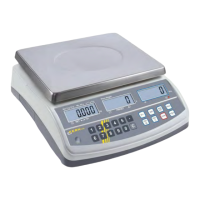
KERN CPB-N - Display Background Illumination

KERN CPB-N
51 pages
Print Icon
To Next Page IconTo Next Page
To Previous Page IconTo Previous Page
Loading...
7.4 Display background illumination
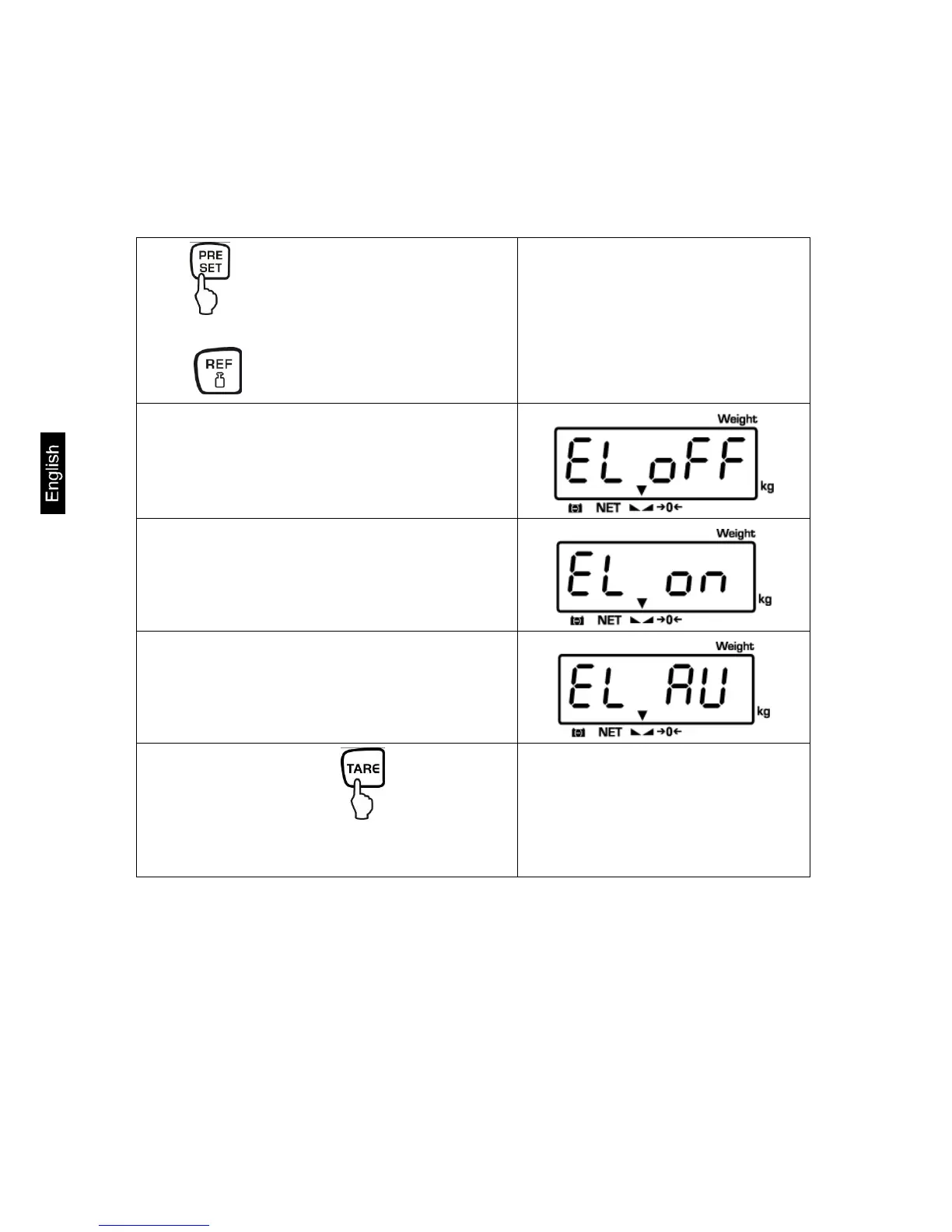
The balance has the following possibilities of setting for the display background
illumination:
Keep pressed in weighing mode.
The last selected setting will be shown.
Press to select the following settings:
Display background illumination off
Display background illumination on
Display background illumination
automatically off
Select desired setting by .
The setting is taken over and the balance
changes into weighing mode.
CPB-N / CPB-DM-BA-e-1424 30

Table of Contents

Related product manuals