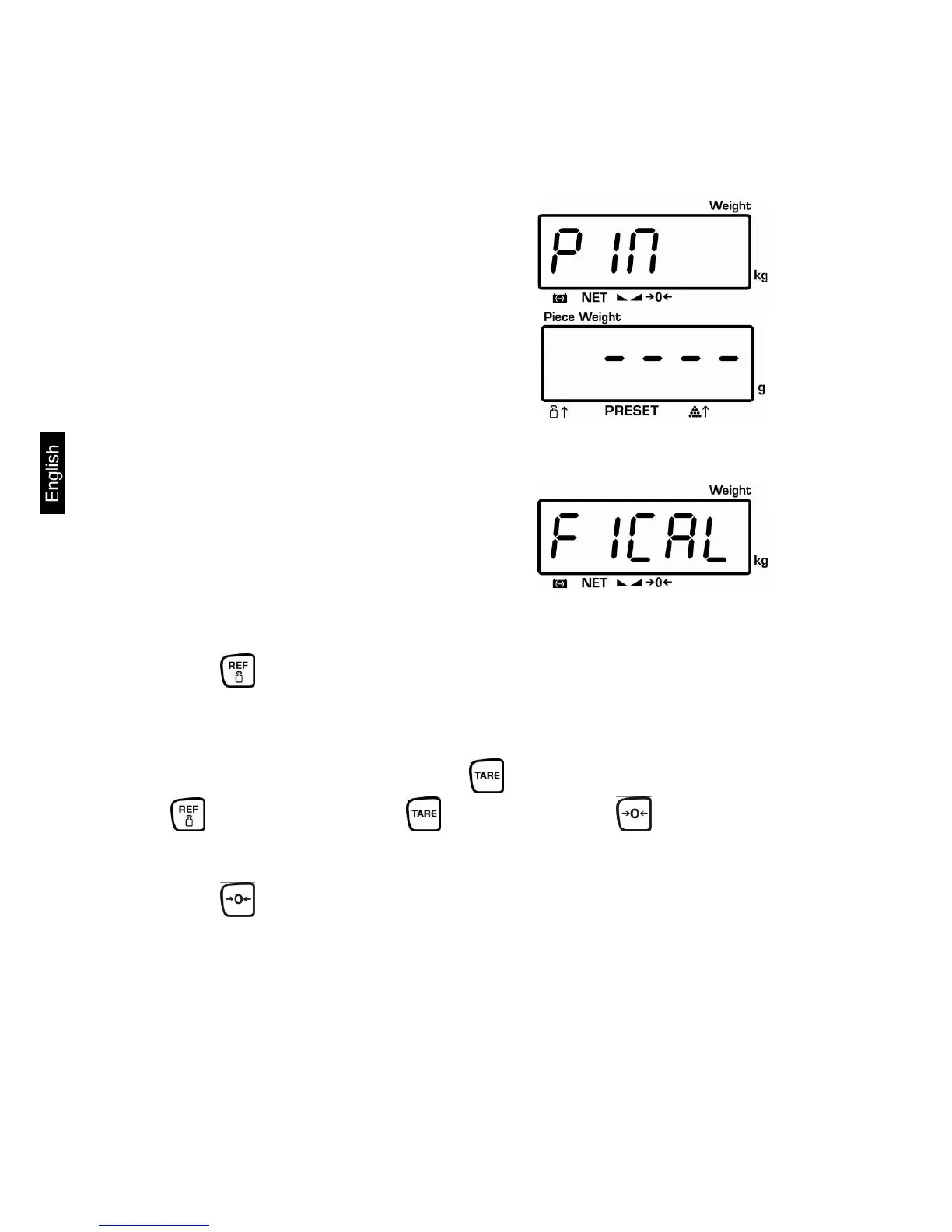
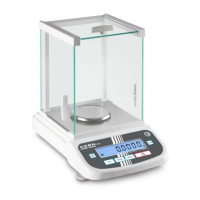
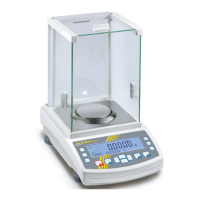
12 Menu (non verifiable models)
Access to menu:
Switch-on balance and during the selftest
press the TARE button.
Use the number keys to enter password:
either
• Default password "0000"
or
• Personal password, enter under
function [F6 PKn ] see chap.12
Confirm with TARE button
Select function:
Press to select the individual menu items showing the current settings one
by one.
Change / save settings:
Confirm selected function by pressing . Select desired setting by pressing
and confirm by pressing or cancel by pressing .
Exit menu:
Using the balance returns into the weighing mode.
CPB-N / CPB-DM-BA-e-1424 44


 To Next Page