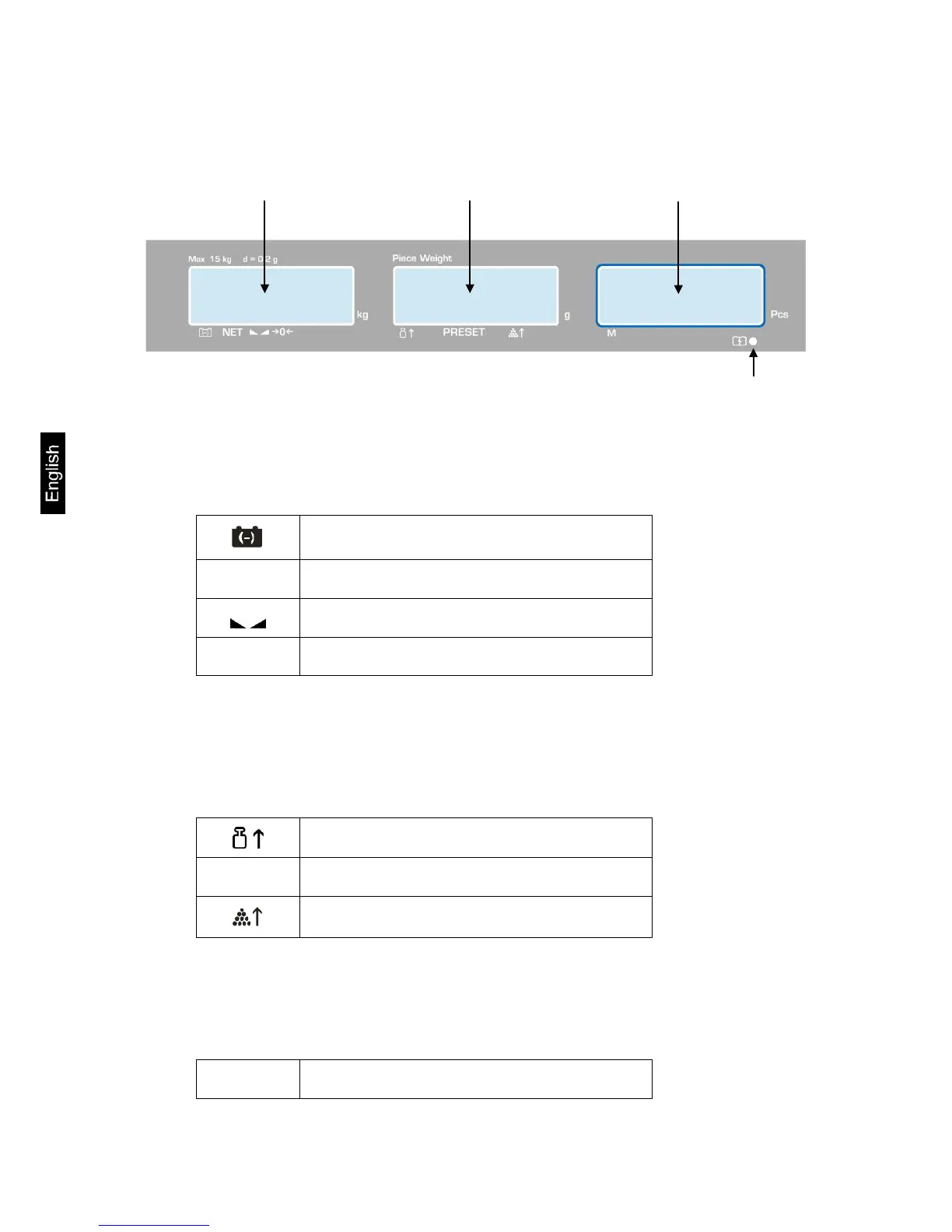
2.1.1 Display weight
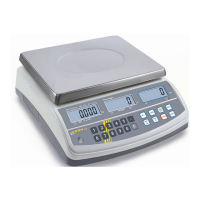
Here the weight of the load is displayed in [kg].
The arrows above the symbols show:
Battery very low
NET
Net weight
Stability display
a
Zeroing display
2.1.2 Display reference weight
Here, the reference weight of a sample is displayed in [g]. This value is either
entered by user of calculated by balance.
The arrows above the symbols show:
Reference weight placed on balance too small
PRESET
Stored target quantity / target weight
Number of pieces placed on balance too small
2.1.3 Display quantity
Here, all the pieces placed on balance are immediately displayed by number.
The arrows above the symbols show:
M
Data in the summation memory
CPB-N / CPB-DM-BA-e-1424 8


 To Next Page