9 Totalization
This function allows you to execute several weighing procedure. After that, the total
items number, the total weight and the number of weighing procedures will be
displayed.
9.1 Manual totalizing
], see chap. 12.2.1
Determine the average piece weight (see chap. 8.1) or enter manually (see chap.
8. 2).
Place weighing goods A.
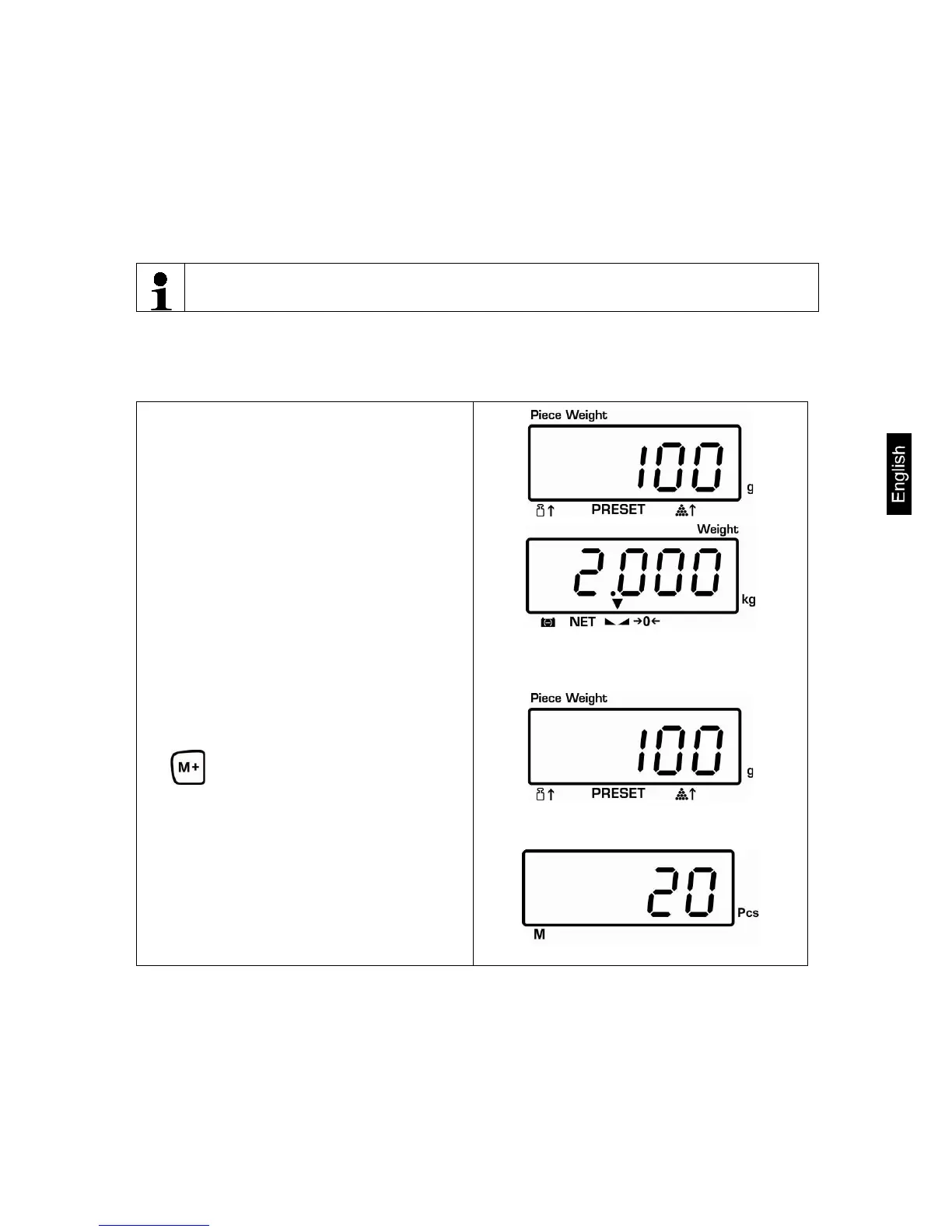
Wait for stability display, then press
. The displayed values are
added into the summation memory
and edited, when an optional printer
is connected. Weight, number of
weighing procedures (ACC 1) as well
as the quantity of items are displayed
for 2 sec..
Currently placed weight
Selected item weight


 To Next Page