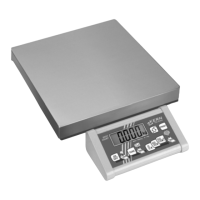
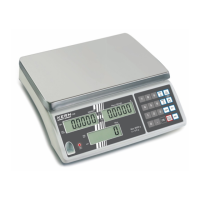
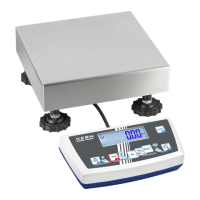
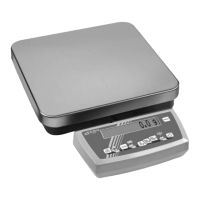
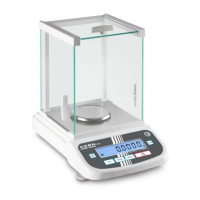
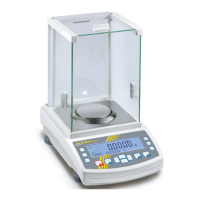
Set limit values:
Determine upper limit value for target
item number:
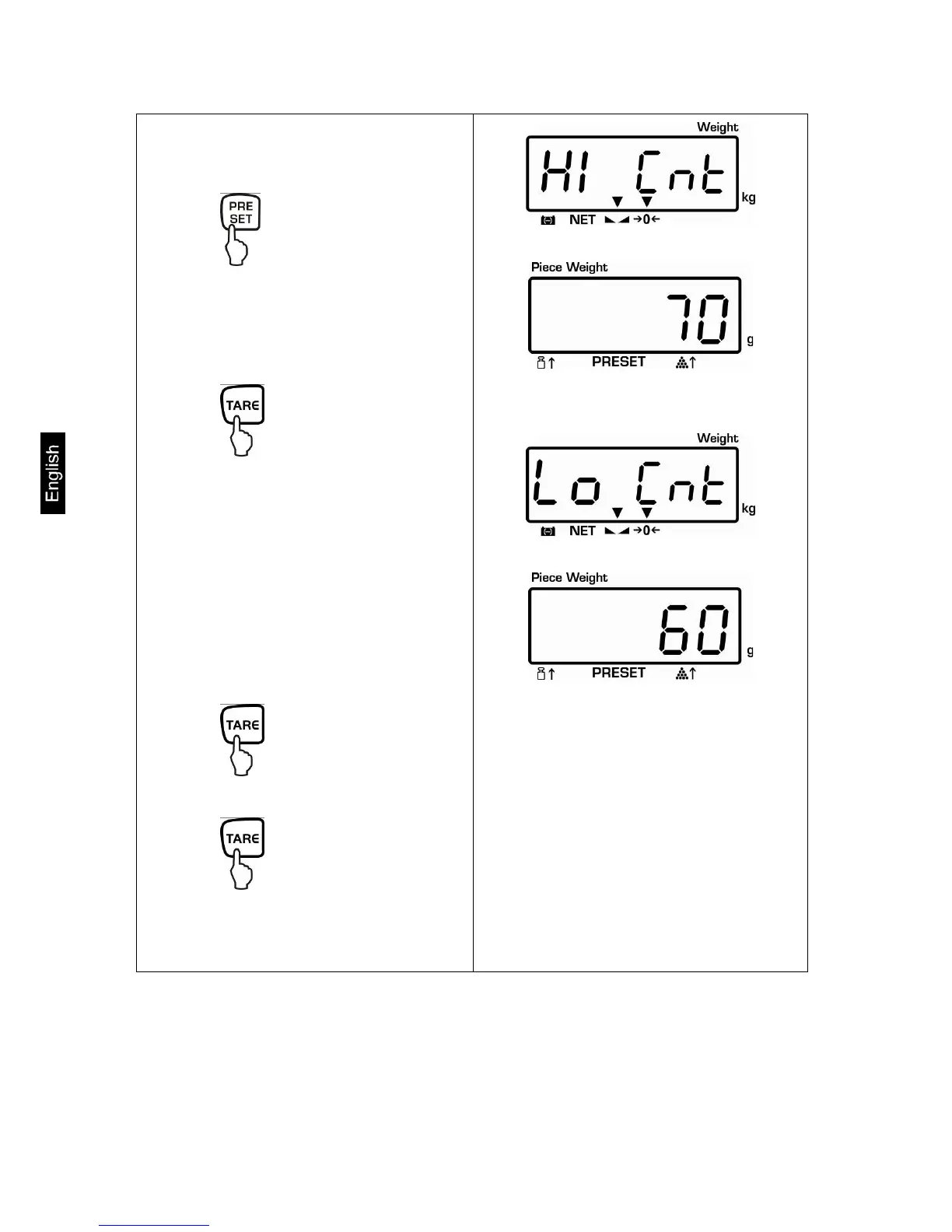
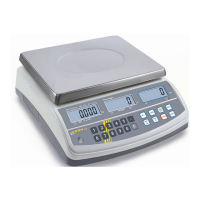
Press , „Hi Cnt“ will appear:
Enter the upper limit value via the
numeric keyboard, e.g.: 70 Pcs
Press
„Lo Cnt“ appears:
Determine lower limit value for target
item number:
Enter the lower limit value via the
numeric keyboard, e.g.: 60 Pcs
Press
Press repeatedly until the
balance is in weighing mode


 To Next Page