6.2.3 Percent weighing
(excl. model KERN EW120-4NM)
Display symbol: %
Percent weighing allows the weight to be displayed as a percentage in relation to a
reference weight. The displayed weight value is adopted as a fixed prescribed per-
cent value. (Standard setting: 100%).
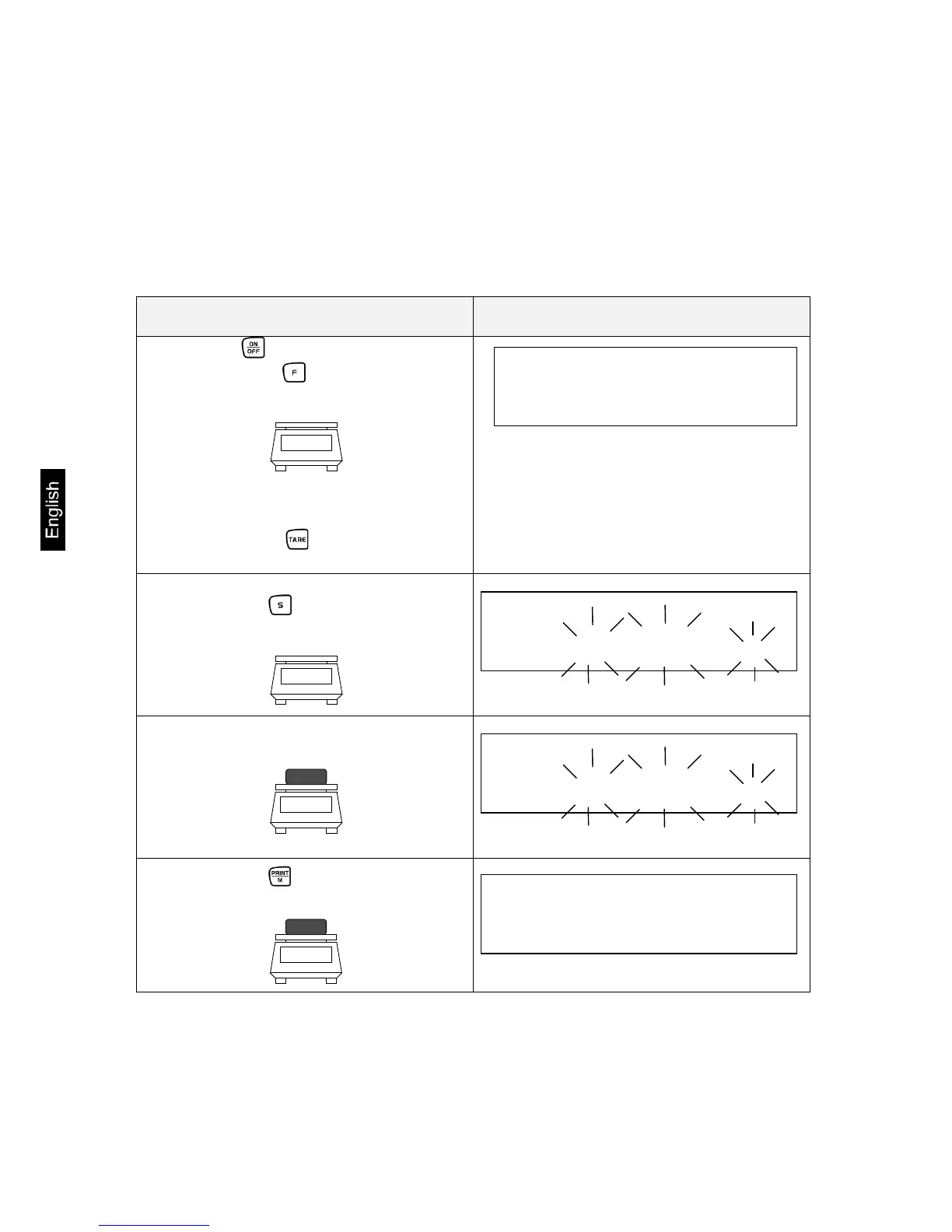
Operation Display
1. Use the key to switch the bal-
ance on. Use the key to select unit
change-over [ % ] (see chap. 6.2.1).
Information:
Tare containers can also be used during
percent weighing. Before starting percent
weighing use the key to tare out the



 To Next Page
 Loading...