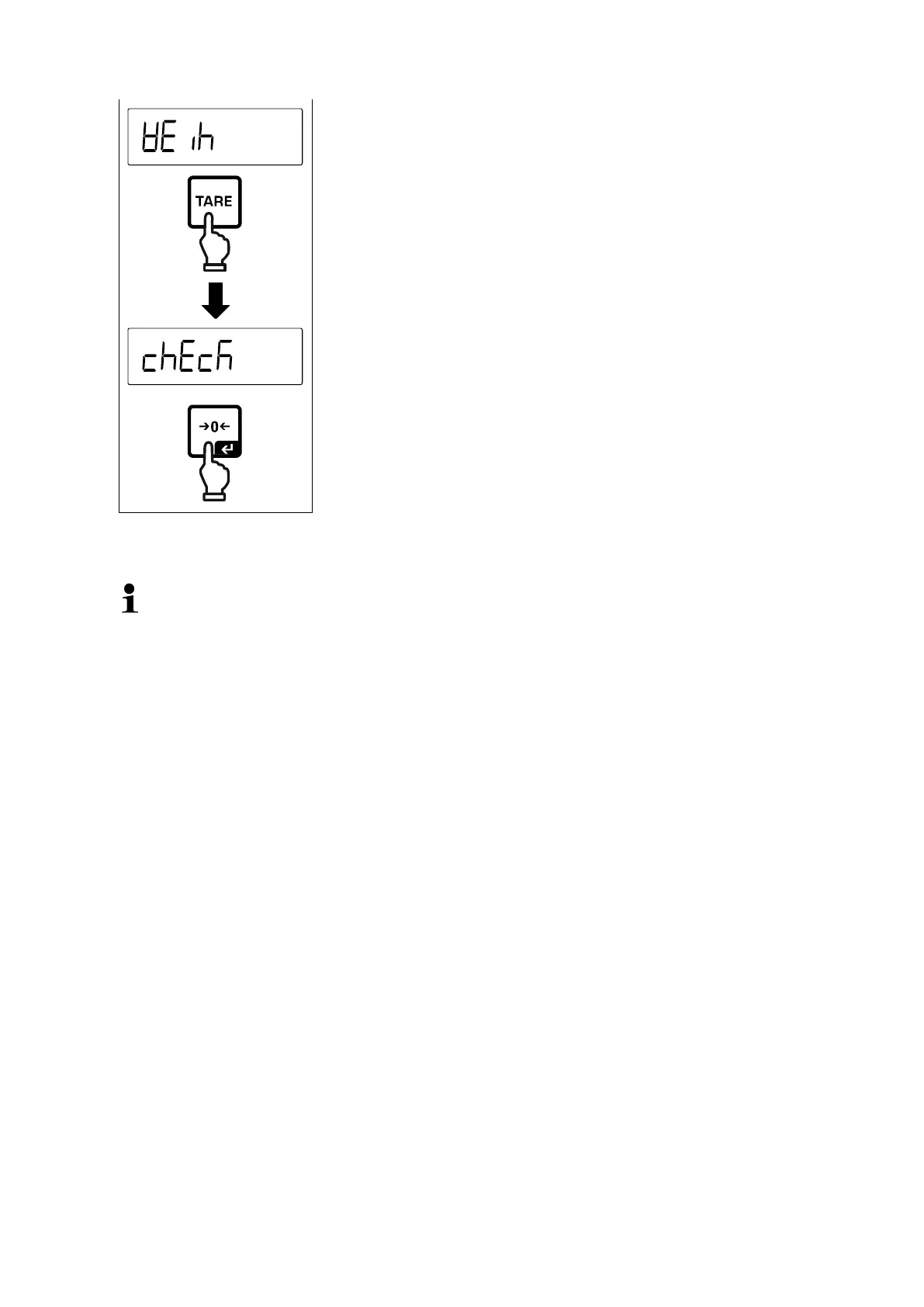
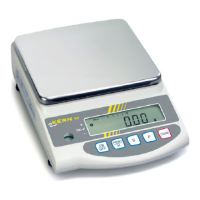
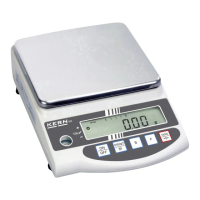
The last active application, e.g. < weih > is displayed.
Use the TARE-button to select the desired application,
selectable
Acknowledge selection by [ ] button.
According to the selected application in the application menu just appear the applica-
tion-specific settings, so that you reach the target quickly without deviation.
• Information about the application-specific settings you will find in the de-
scription of the respective application.
• All basic settings and parameters, which influence the whole operation of
the balance, are resumed in the Setup Menu (see chap.14.3)
These settings remain valid for all applications.
• The number of the available applications depends on the model.
Change application:
Press the TARE button and keep it pressed until the first menu item of the appli-
cation menu will be displayed
Use the button to select the menu setting < mode > and acknowledge with
[ ] button. The current setting will be displayed.
Press the button to select the required unit and confirm by pressing the [ ]
button.



 To Next Page