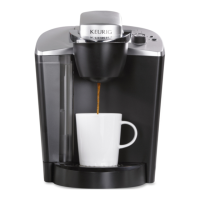
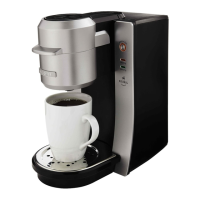
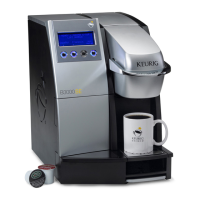
B3000 SERVICE MANUAL
60-200807-000, REV C 60
4. This completes the LEFT side bin sensor removal. Install the replacement sensor, the main PCB,
and plastic bar. Make sure that all connections are tight.
To remove the RIGHT side bin sensor
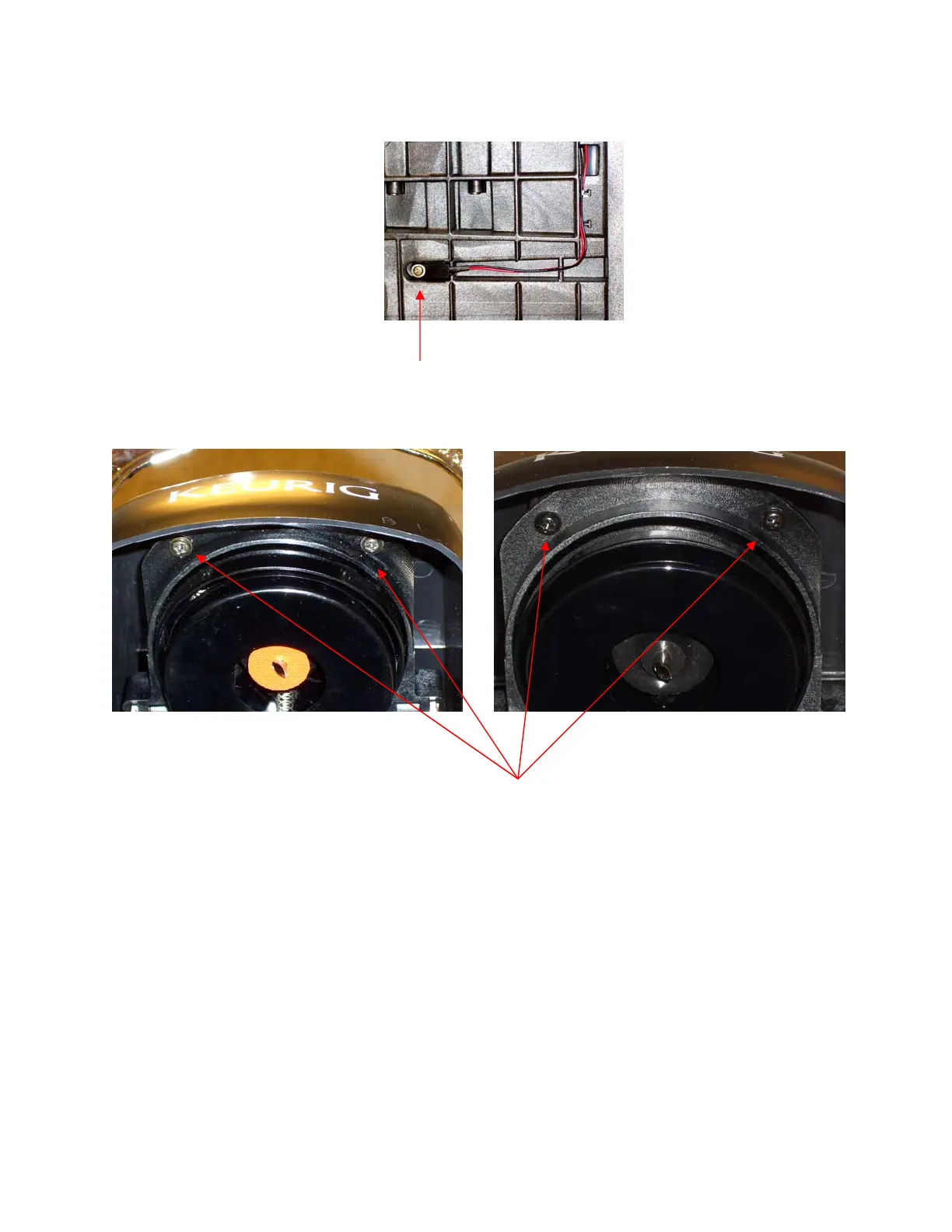
1. Remove the screw holding the RIGHT LED in place.
Looking at the front of the brewer,
BREWERS ≤7505 BREWERS ≥ 7506
2. Raise the Puncture Mechanism handle and locate the two screws that hold the puncture cover in
place.
3. Remove these screws.
4. Push the cover back slightly and lift up to remove.


 To Next Page