Getting Started Tutorial 1
Keysight U3402A User’s and Service Guide 29
Measurement related operation
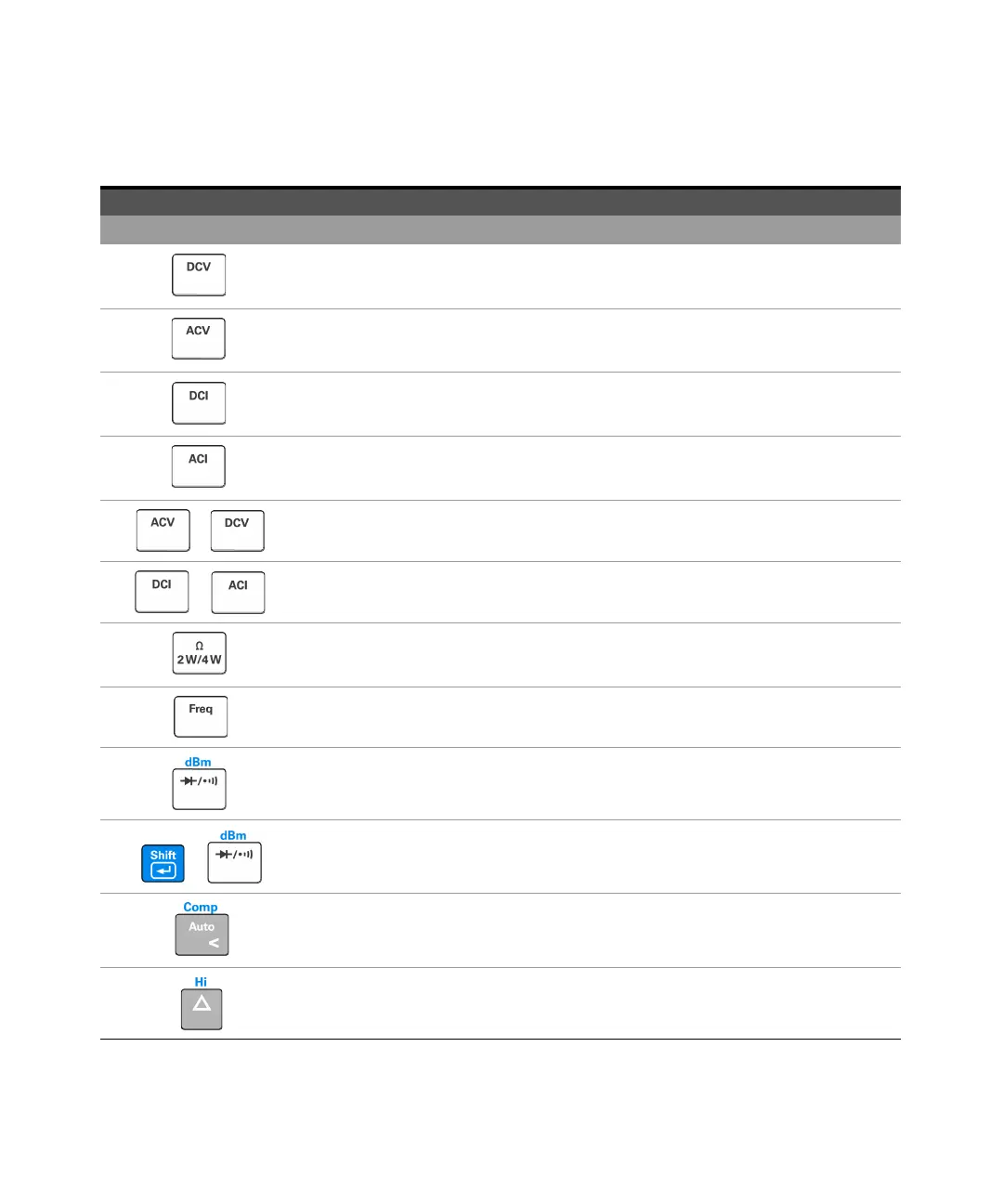
Press to select the DC voltage measurement.
Press to select the AC voltage measurement.
Press to select the DC current measurement.
Press to select the AC current measurement.
+
Press to select the AC+DC voltage measurement.
+
Press to select the AC+DC current measurement.
Press to toggle between the 2-wire resistance or 4-wire resistance measurement.
Press to select the frequency measurement.
Press to toggle between the diode and continuity measurement.
+
Press to select dBm measurement.
Press to toggle between manual ranging and autoranging.
Press to select a higher range and disable autoranging. See “Selecting a Range” on page 47 for
more information.
Table 1-2 Keypad functions (continued)
Key Description



 To Next Page