Quad Camera DVR
12
4.2 Camera Select
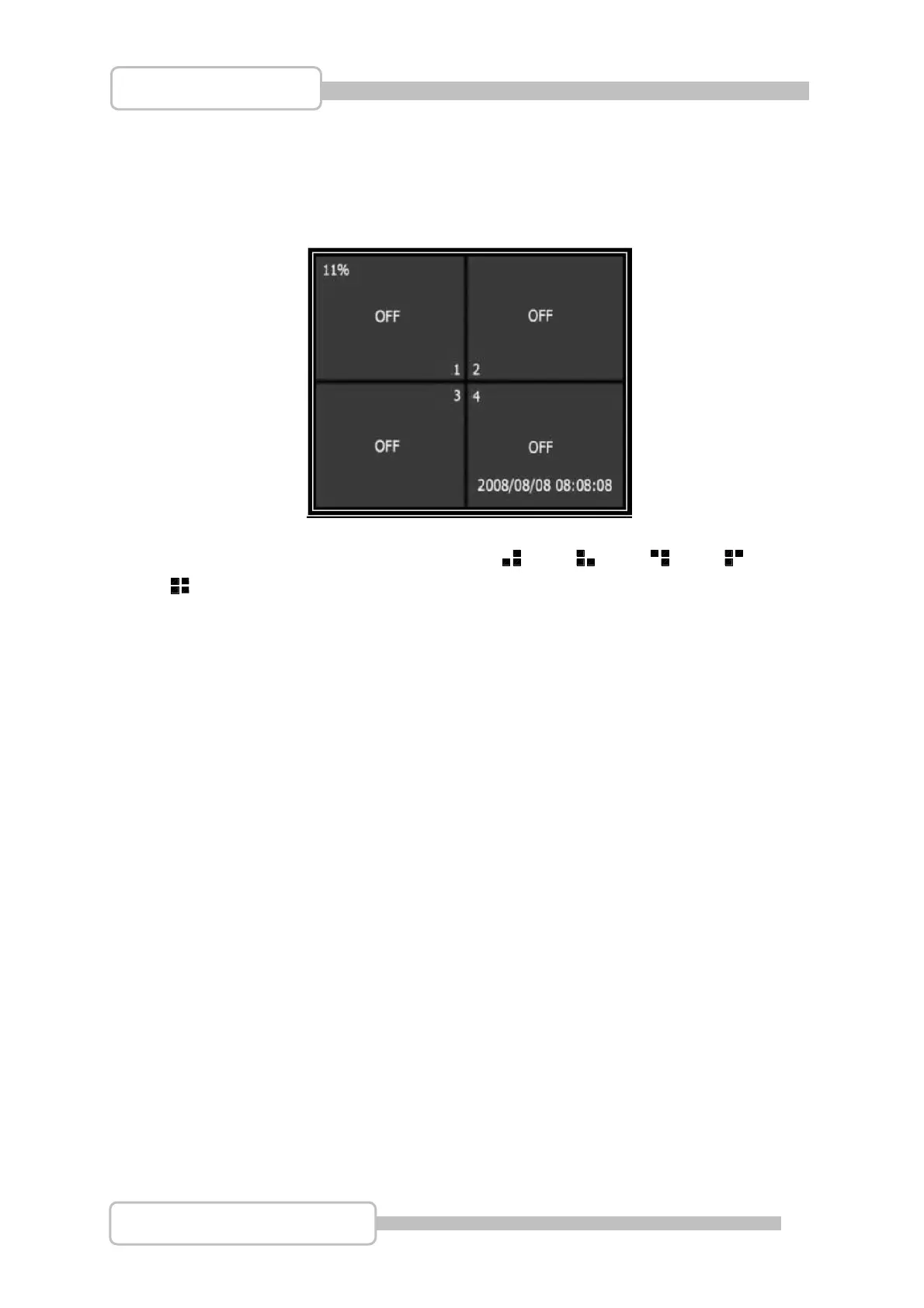
This DVR system can display 4 pictures in one screen (Quad Mode) or can be
configured to display a single camera.
To choose which Camera(s) to view press the CH1, CH2, CH3, CH4
or QUAD buttons.
If a camera is not connected to a channel, the image for that channel will display “OFF”
4.3 Record Select
This menu option allows you to configure which channels are set to record.
4.4 Record Mode
There are two modes available for video recording:
Each Mode
This mode compresses and records each video channel separately, this allows each
channel to be played back separately if necessary and allows the image to be viewed
full screen. This mode allows one or more channels to be recorded separately, without
the need to record on all four channels.
Digital Video Recorder



 To Next Page