Quad Camera DVR
14
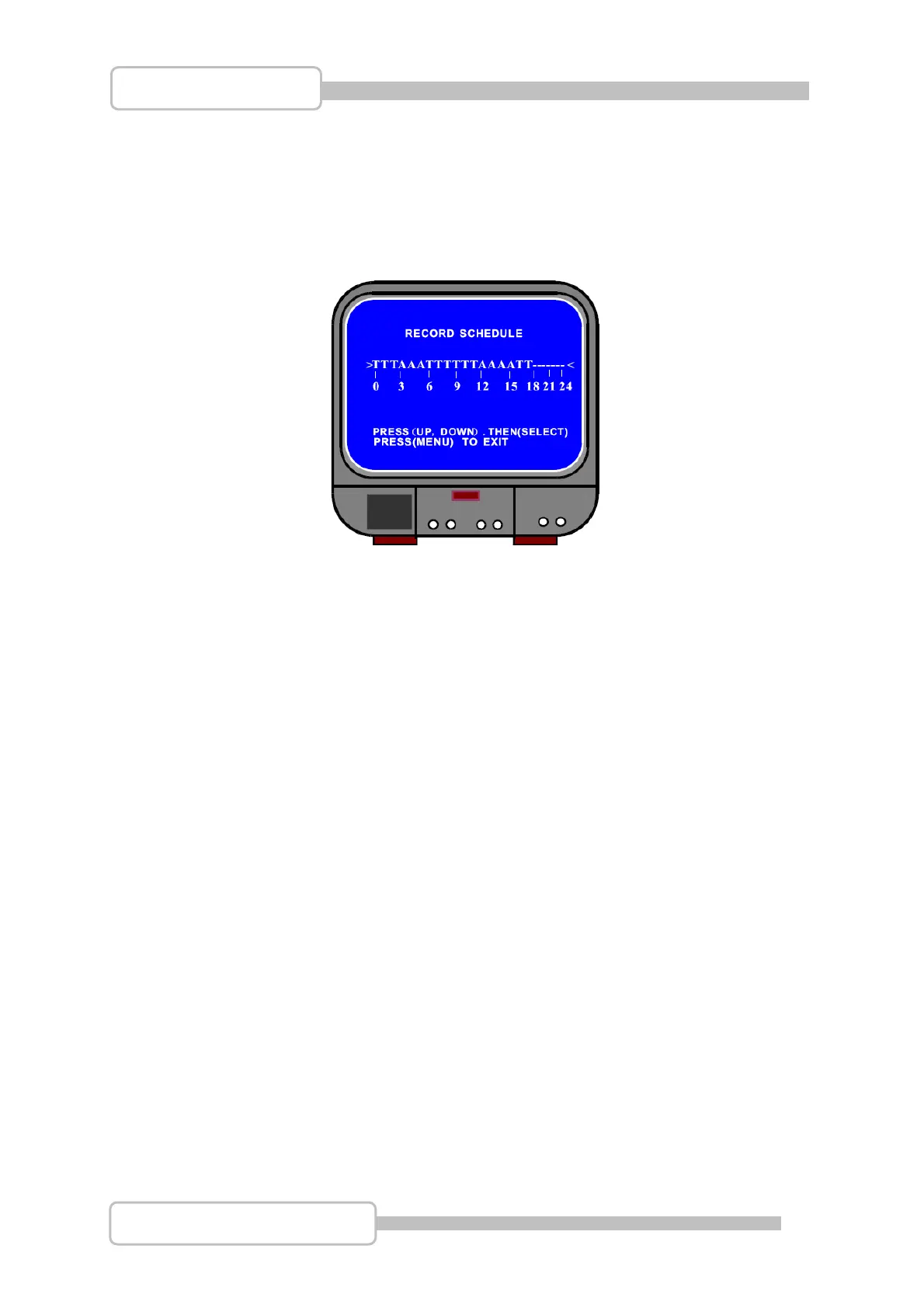
4.7 Record Schedule
This menu option allows the Schedule to be set, with the channels set to Not Record,
Record or Motion Triggered (recording will only be triggered if the camera detects
motion within it’s filed of view).
Use the Ç / S UP and È / T DOWN buttons to move the prompt up and down the
Schedule timeline and press the
SEL button to change the record method at any
given point.
The options for the method are:
“-“ Not Record
“T” Record
“A” Motion Triggered
Note: Setting the schedule correctly can allow for a much greater overall recording
time for the DVR system.
4.8 Sub Menu – Auto Record
When this option is set to “ON” the DVR will start recording automatically if it has not
been operated within the last five minutes.
When this option is set to “OFF” the DVR will not start recording until the ● REC
record button is pressed.
Digital Video Recorder



 To Next Page