Quad Camera DVR
15
4.9 Sub Menu – Password Setup
When the password is set to “ON”, to stop the DVR from recording, or to enter the Menu
screen will require the system password to be entered.
If set to off, then the system password will not be needed to operate the system.
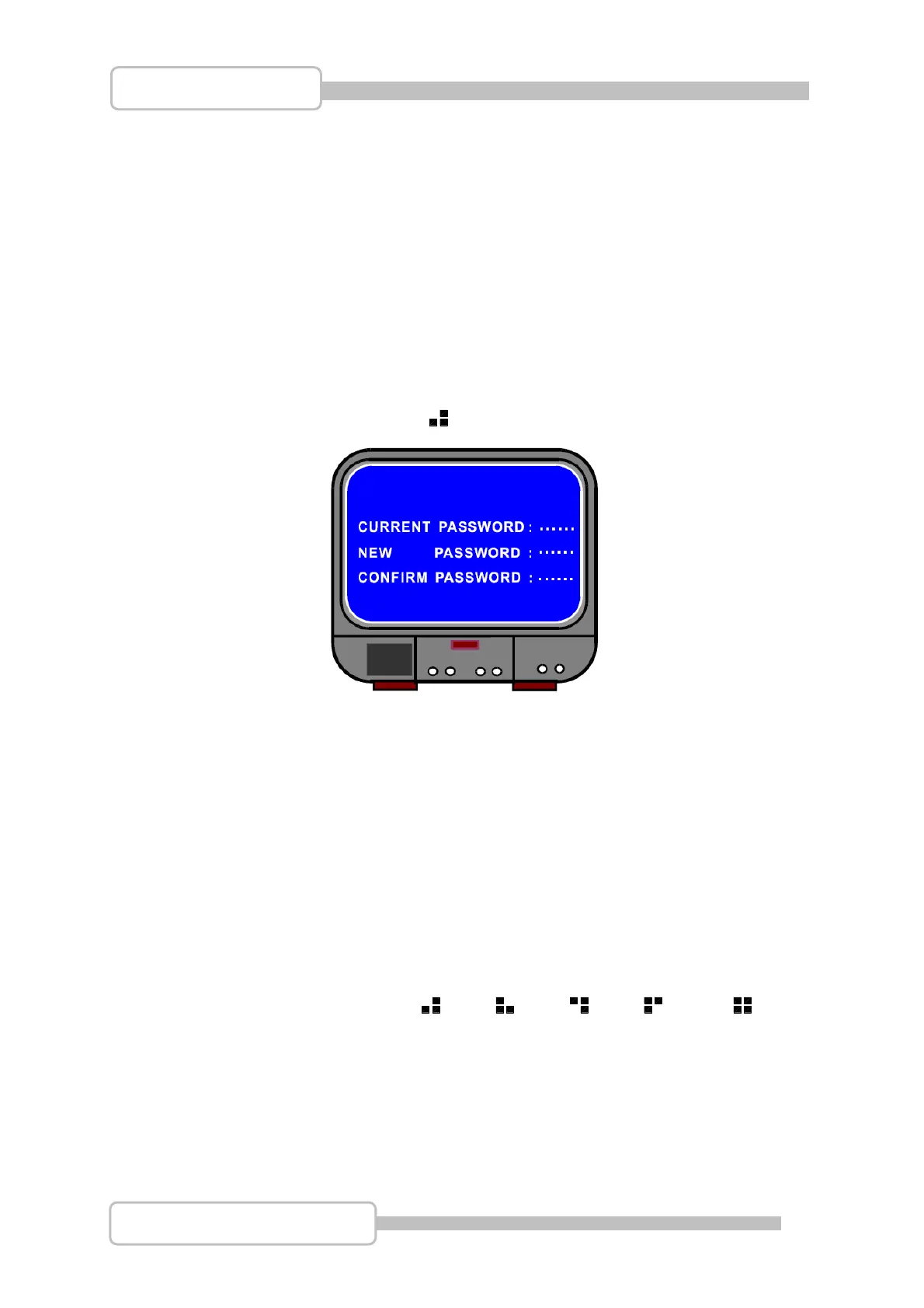
4.10 Sub Menu – Password Change
The system password is made up of a number of different menu keys. The default
password is entered by pressing the CH1 button six times.
The password can be changed to any combination of front panel button presses, using
all the available buttons except the
MENU button which is used for confirming and
exiting from this menu option.
4.11 Sub Menu – Picture Setup
This menu allows the picture Hue, Saturation, Contrast and Brightness to be
configured on each channel.
Select the channel to edit using the CH1, CH2, CH3, CH4 or Q
buttons.
Use the Ç / S UP and È / T DOWN buttons to move between picture options.
Use the WW
REW and XX FWD buttons to decrease and increase the value.
The default value is 50 for all four options. Available values are 0 – 99.
UAD
Digital Video Recorder



 To Next Page