Quad Camera DVR
18
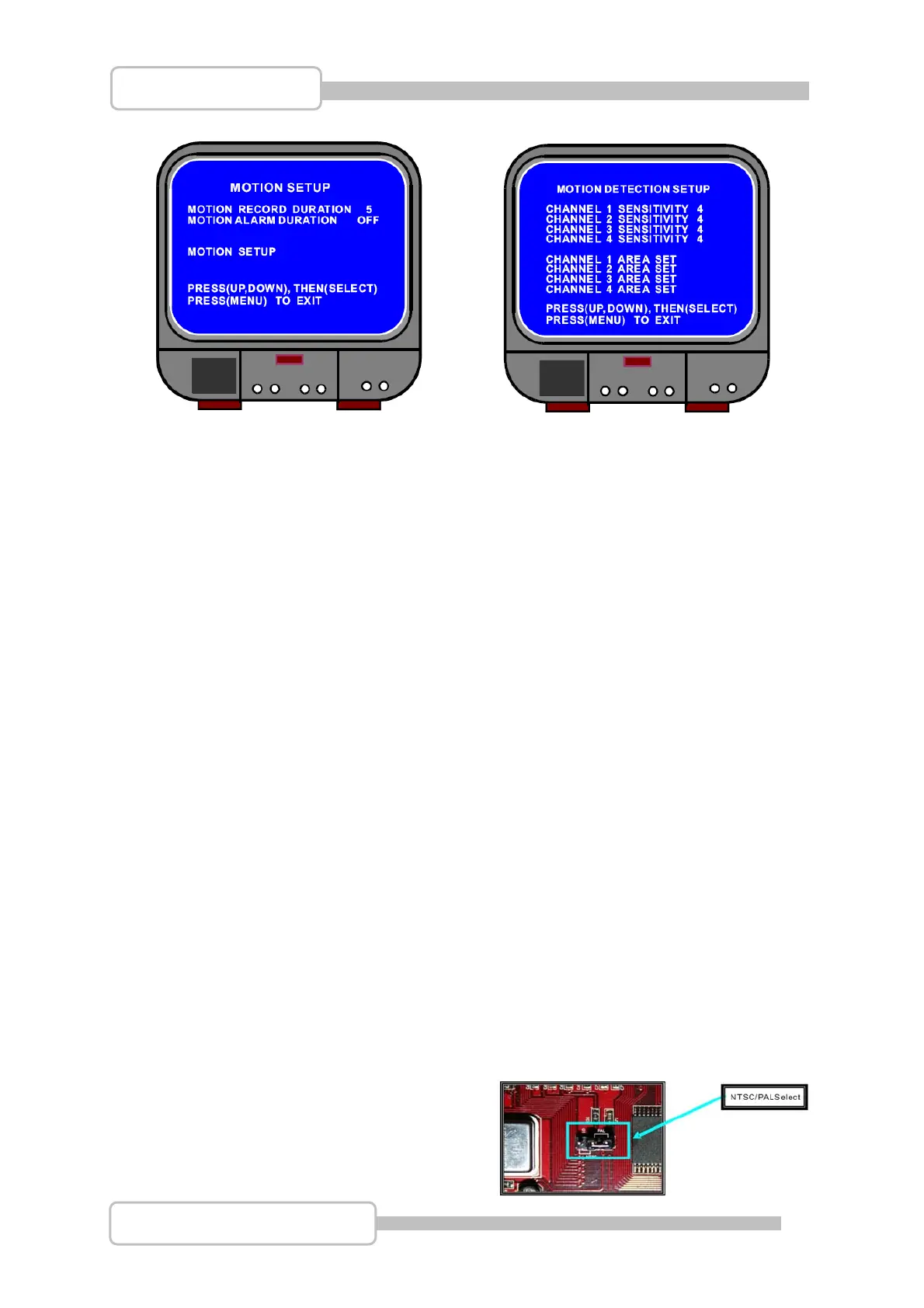
Motion Alarm Duration:
This setting controls how long the Motion symbol will be displayed on screen after
motion has been detected.
Motion Setup:
This sub menu allows the Motion Detection to be fine tuned.
Channel Sensitivity:
The sensitivity can be set for each channel, the options are from 1 (High Sensitivity) to
9 (Low Sensitivity) and Off which will not allow the channel to be triggered by
movement.
Channel Area Set::
By pressing the
SEL button on a channel you will be shown a picture of that
channel divided into 144 (12 x 12) blocks. Each one of these blocks can be set as an
active or inactive area for motion detection. Use the Ç / S UP, È / T DOWN, WW
REW and XX FWD buttons to move Up, Down, Left and Right within the image.
Pressing the
SEL button while on a block will make it active (transparent) or
inactive (shadowed). When finished press the
MENU button to confirm and exit.
Pressl the ● REC record button to start recording.
4.15 NTSC / PAL Output Select
To switch between NTSC or PAL video
format, change the jumper J10 on the
system board.
Digital Video Recorder



 To Next Page