OPTIMA FEATURES & FUNCTIONS GUIDE
8
*IF EQUIPPED
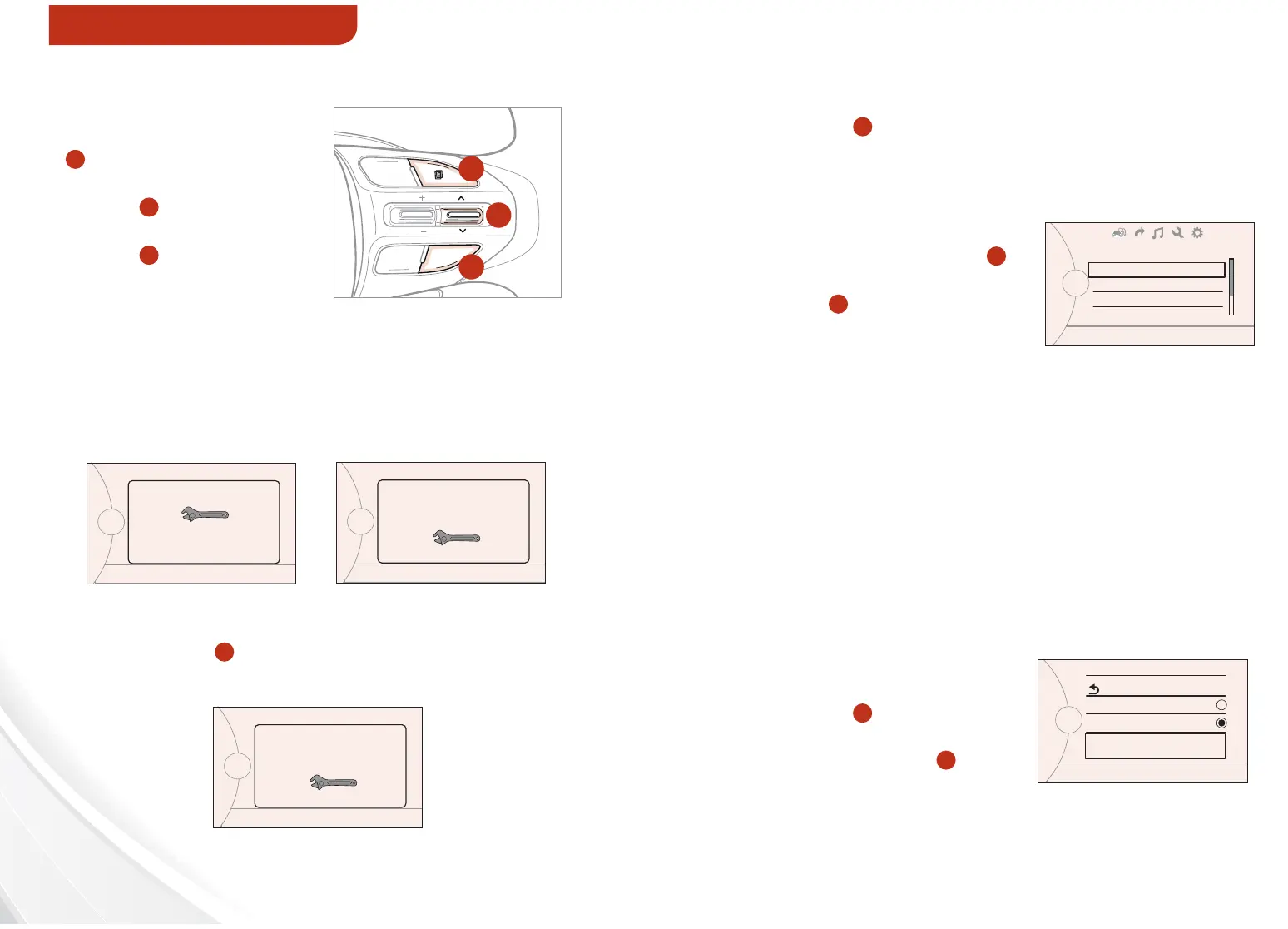
To enter Service Mode,
press the MENU button
A
, scroll to the Service
Mode and press SELECT
button
B
. Then press
the ENTER/RESET
button
C
. System will
display number of miles
remaining until next
service is due, and type
of service.
Service Mode
To reset the Service Mode system, press and hold
the OK button
C
for more than 1 second. To turn
Service In OFF, go to User Settings.
Service
To set up the maintenance schedule:
• Press the MENU button
A
and
toggle to Service Interval
• Press the ENTER/RESET button
C
to
select the desired maintenance schedule
To enter the User Setting mode on the LCD display* cluster, press
the MENU/MODE button
A
when the vehicle is at a standstill and
with the ENGINE START/STOP button in the ON position or the
engine running.
You can navigate the selections on the
display by pressing the SELECT button
B
,
and then selecting the item by pressing the
ENTER/RESET button
C
.
Doors:
- Auto Door Lock & Unlock*
- Two Press Unlock
- Horn Feedback
Seats:
- Seat Easy Access*
Lamps:
- One-Touch Turn Lamp*
- Headlamp Delay
- Welcome Light*
User Settings
P
Service in
0000 mi 00days
P
Service in
O
P
Service Interval
Back
O
On
2500 mi.
36 month
P
User Settings
Door
Lamp
Convenient
Driving Assistance
P
Service required
CRUISE
CANCEL OK
RES
SET
A
C
B
(located on Steering Wheel)
When service is required, the following screen
will be displayed: Service Required.
Convenience:
- Language
- Temperature
- AVG Fuel Economy Reset
- Easy Seat Access*
- Welcome Sound
- Steering Position
Service Interval ON/OFF
INSTRUMENT CLUSTER















 To Next Page