OPTIMA FEATURES & FUNCTIONS GUIDE
36
*IF EQUIPPED
•
• To stop the Sunroof/Sunshade at any position, push or pull
the sunroof control lever in any direction
QUICK TIPS
Panoramic Sunroof Operation*
The sunroof and sunshade operation is controlled through
a multidirectional switch/lever and the ignition needs to
be in the ON position to operate the sunroof/sunshade.
Slide the Sunshade and Sunroof:
• Auto Open: Slide lever
A
backward to the farthest
position and release.
• Auto Close: Slide the lever
A
forward to the
farthest position and release.
Slide the Sunshade:
• Open: Slide the lever
A
partially backward to the first detent position.
• Auto Close: Slide the lever
A
forward to the farthest
position.
Warning! Check your surroundings for safety
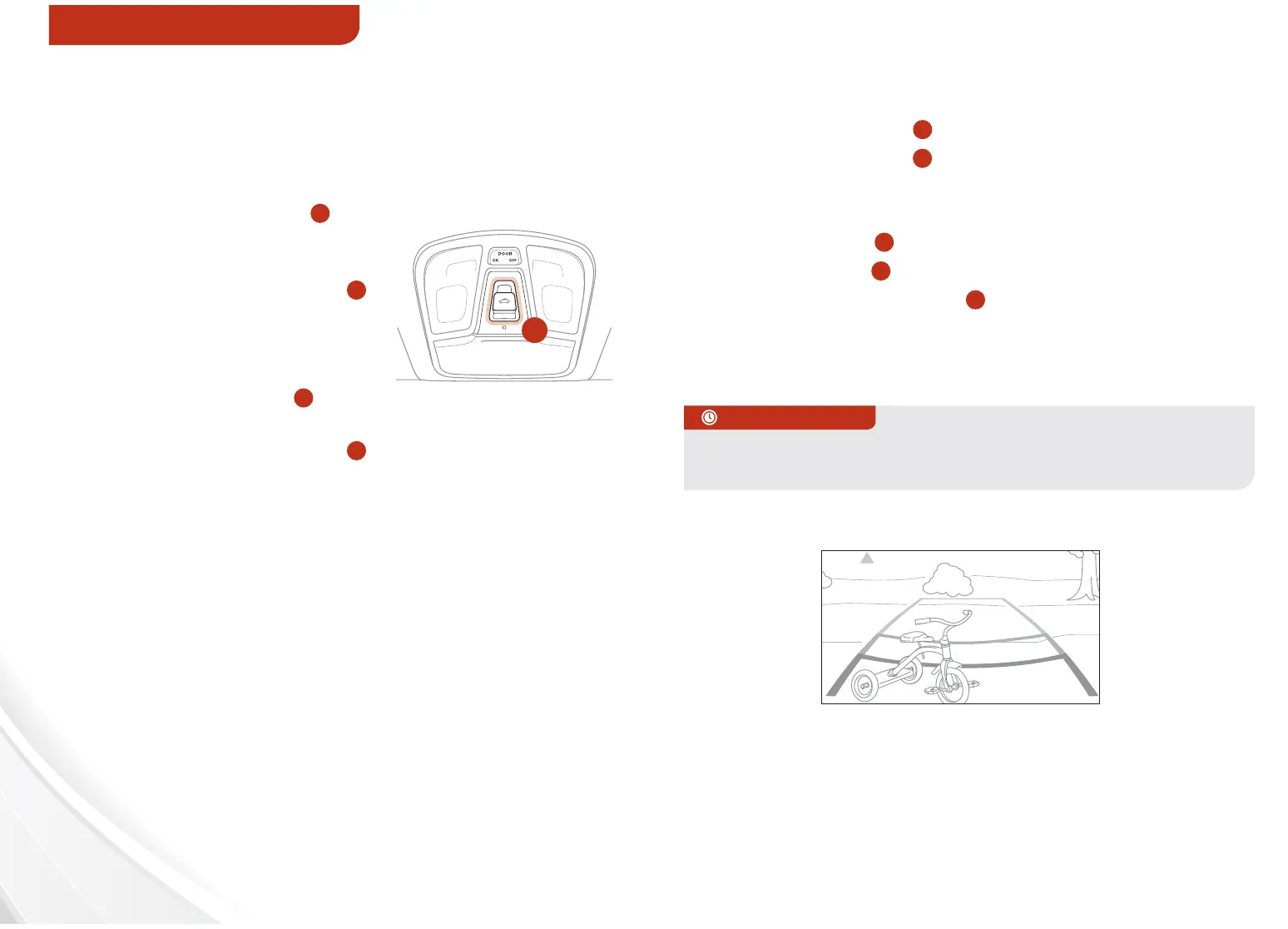
Rear-Camera Display*
The Rear-Camera Display system is not a safety device.
It is a supplemental system that displays
the view behind the vehicle through the Navigation* or
UVO* screen while the vehicle is in Reverse.
The Rear-Camera Display activates when the:
• Engine Start/Stop* button is in the ON position
(Green Light)
• Gear Shift Lever is in the R (Reverse) position
A
REMINDER:
• The Rear-Camera Display is not a substitute for proper and safe backing-
up procedures. The Rear-Camera Display may not display every object
behind the vehicle. Always drive safely and use caution when backing up
• While camera is active, only the volume controls on the Audio System can
be operated.
REMINDER: Sunshade needs to remain OPEN while Sunroof is open and
vehicle is moving.
Slide the Sunroof (with sunshade open):
• Open: Slide the lever
A
backward and release.
• Close: Slide the lever
A
partially forward to
the first detent position or pull the lever downward.
Tilt the Sunroof:
• Raise: Push lever
A
upward.
• Lower: Pull lever
A
downward.
• Auto Close: Slide the lever
A
forward to the
farthest position.
OTHER KEY FEATURES















 To Next Page