25
ALWAYS CHECK THE OWNER’S MANUAL FOR COMPLETE OPERATING INFORMATION AND SAFETY WARNINGS.
*IF EQUIPPED
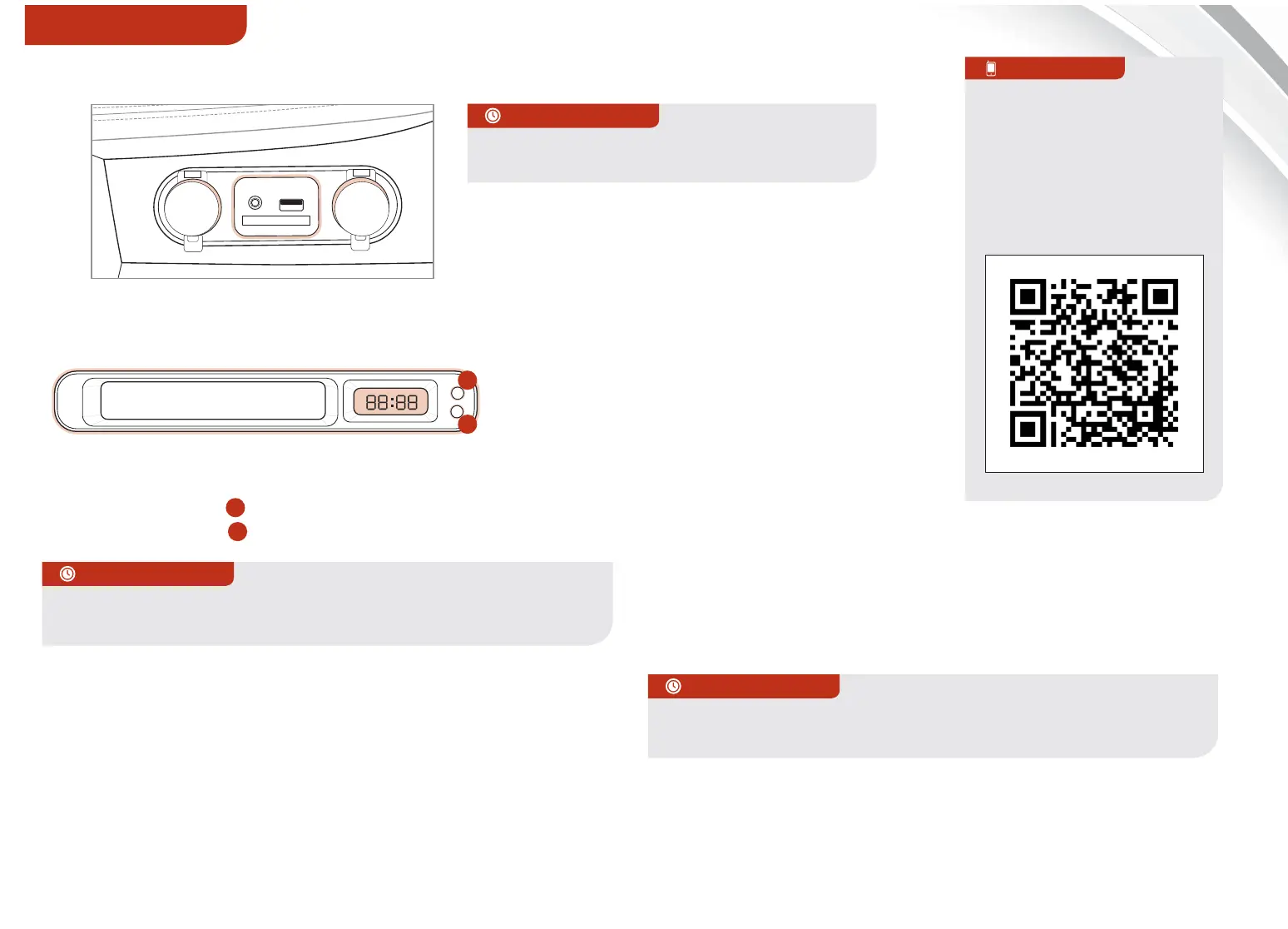
Standard Audio System Clock Setup:
Press the H button
A
to advance the time by one hour.
Press the M button
B
to advance the time by one minute.
UVO System Clock Setup:
Press the CLOCK button to display the Clock setting
screen. Then use the on-screen buttons to navigate
through setup.
Navigation System Clock Setup:
Press the Info/Settings key on the Audio Control Unit. Then
press the on-screen Setup button and select the Clock icon.
Aux/USB/iPod
®
Port* & Power Outlets*
12V
12V
AUX
USB
Kia USB Port Video
To view a video on your
mobile device, SNAP this
QR code or visit the listed
website.
Refer to page 2 for more
information.
QR CODE
www.KuTechVideos.com/qf13/2014
Press and hold both for more than 5 seconds to switch from 12
to 24 hour formats.
QUICK TIPS
Press the DONE button* on the Navigation screen to ensure
changes are saved.
Digital Clock
H
M
H
M
A
B
QUICK TIPS
The power outlets are inactive when ignition
is in the OFF position
QUICK TIPS
CENTER PANEL















 To Next Page