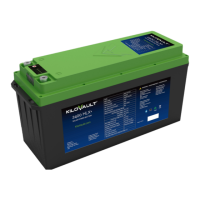
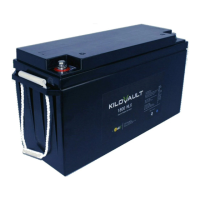
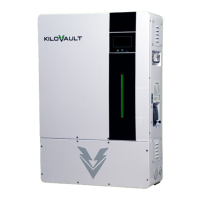
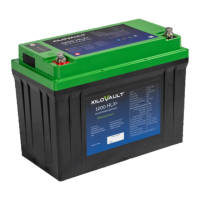
3.4.6 - Screens & Operation
Note:
The battery leaves the factory in Storage Mode. Please switch the battery to
Active Mode by a pressing the battery power button for 5 seconds after con-
necting the battery to the system for the first time
Note:
Paralleled batteries can be switched to Active Mode simultaneously by a 5 sec-
ond long press on any battery.
To switch the battery to Storage Mode simultaneously, please enable the
communication between batteries and use the KiloVault iT app’s Storage Mode
on the first battery. Otherwise please disconnect the batteries and use the
KiloVault iT app’s Storage Mode to switch each battery to Storage Mode.
Storage Mode will turn of the Bluetooth function on each battery reducing the self discharge
rate and can hold a charge for a longer period of time. The battery will not be visible using the
KiloVault iT app and will require a reset by a 5 second long press of the power Button.
PlusNET will disconnect communication between each battery to reduce the self discharge of
each battery. Bluetooth will still be active allowing monitoring using the KiloVault iT app. You
can reactivate PlusNet by using the KiloVault iT app. If you do not wish to connect the com-
munication cables between batteries it is recommended that you turn PlusNet off to conserve
power.
10

 To Next Page
 Loading...