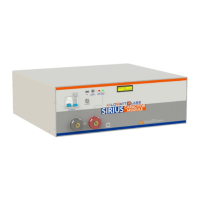
Sirius Capacitor Module – User Manual Model Number - 3550-48-B-1.7C-M-SD-A-G
This manual is subject to change without notice and at the sole discretion of Kilowatt Labs, Inc.
Kilowatt Labs, Inc. | www.kilowattlabs.com
13
Step 2: After this message appears, hold fault reset button for 5 seconds, then the LCD will display the
following message which means that the cell balancing has been enabled.
Step 3: To disable cell balancing, when current is zero, the LCD will display the following message.
Step 4: After this message appears, hold the fault reset button for 5 seconds, then when the LCD
displays the following message, it means that balancing has been disabled.
Step 5: To make the current zero, follow the steps below:
→ When current is not zero, the LCD will display the following message.


 To Next Page
 Loading...