Operation Instructions
7. Change the Kingon P2 Concentrator setting to the flow rate prescribed
by your physician or clinician.
Press the + or – setting buttons to adjust the
Kingon P2
to the desired setting. The
current setting can be viewed on the display from 1 to 5.
Make sure the power is in a well-ventilated place. During
operation, the power supply may get hot. Make sure the
power supply is cool before handling.
8.
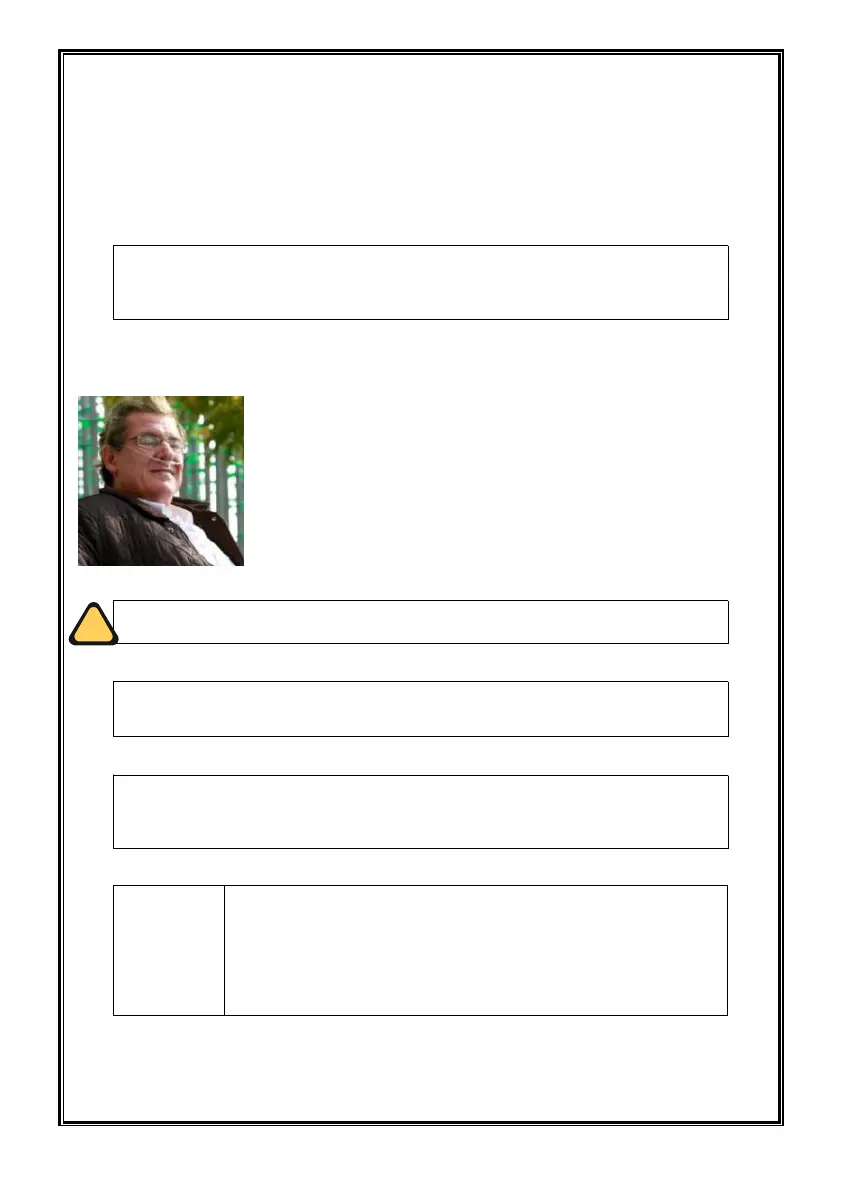
Wear the nasal cannula on your face and breathe through your nose.
The
Kingo
n P2 will sense if you are breathing from it. If you are
not yet breathing through the cannula, the
Kingo
n P2 will begin
to pulse automatically about once every 3 seconds. As soon as
you begin breathing through the cannula, the device will begin
delivering pulses based on your breathing. As your breathing
rate changes, the
Kingo
n P2 will sense these changes and
adjust the amount of oxygen at next inhale.
If you feel uncomfortable or uncomfortable using the device,
consult your doctor right now.
A Low O2 : < 87% alert will notify you if the oxygen level
drops. If the alarm persists, contact your device provider.
The display could become darker if there is no operation of
the device after 30 seconds. You can press any button to
light up the display.
The Kingon P2 will alert with audible and visual signals (such
as “Absence Of Breath ”) when this mode is enabled and no
breath has been detected for 15 seconds. At 15 seconds, the
device will enter into auto pulse mode and once another
breath is detected, the device will exit auto pulse mode and
deliver normally on inspiration.


 To Next Page