00:00:34 2020-07-17 13:47
Settings
Language
Format SD
GPS Info
English
③ Formatting the memory card
Please format your memory card in the camera before using this dash cam and use a high-
speed memory card of Class10 or higher.
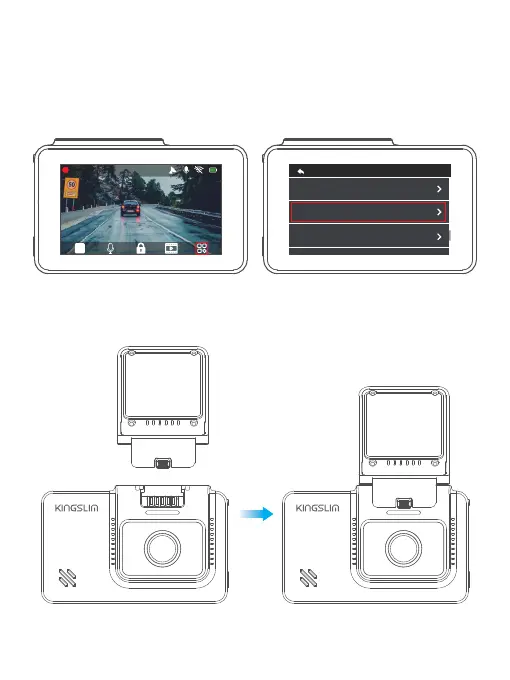
a. Tap the “Settings” icon to enter the Settings page.
b. Select "Format Memory Card", then tap the "Confirm" icon. Wait a few seconds to finish the
formatting and the system will exit automatically.
2. Install the dash cam on the bracket.
09



 To Next Page