7. Recording in parking mode
Stop and turn off the engine and it will enter the parking monitoring mode. If an impact or sudden
braking is detected, it will automatically start recording a 20-second video and save the content.
The videos will be locked in the front or rear emergency video folder and will not be overwritten
by new video files.
The higher level you select, the easier it is to trigger emergency recording.
Options: Off/low/medium/high
Default setting: Off
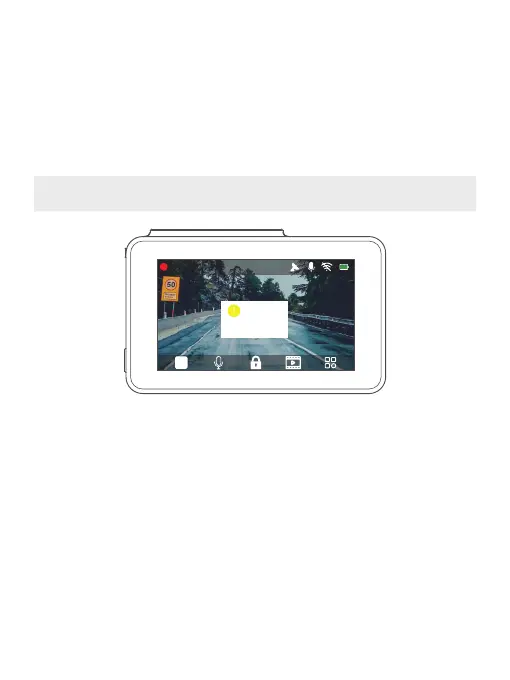
Note: In parking mode, the screen will not display and the working indicator will be flickering
while recording is in process. When the dash cam is on, the message box is shown on screen.
8. Date format
Set the format you prefer.
Options: YY - MM - DD - DD/MM/DD - MM - YY - YY
Default setting: YY-MM-DD
9. Audio recording
Record sound and video at the same time Option: on / off
Default setting: on
00:00:34 2020-11-27 13:47
You have parking files,
please check!
34



 To Next Page