00:00:34 2020-11-27 13:47
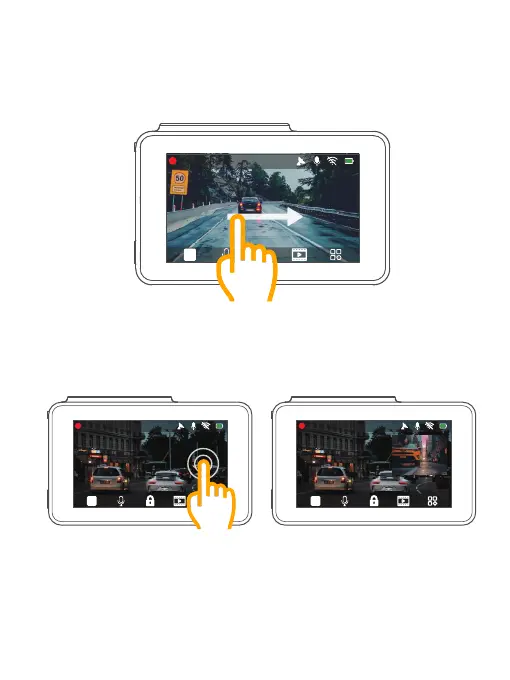
2. Switching recording display modes
Click the right side of the screen to switch recording display modes.
00:00:34 2020-11-27 13:47
00:00:34 2020-11-27 13:47
2. Gestures
1. Taking a photo
In the video recording mode, slide from left to right to take photos.
20



 To Next Page