10. Volume
Adjust the volume of video and keys.
Options: Mute / low / medium / high
Default setting: medium
11. Loop recording
If the 3-minute option is selected, the recorder will save the video file every 3 minutes. When
the memory card is full, the new video files will overwrite the old ones. If this function is turned
off, the recorder will not be able to record when the memory card is full, so you need to format
the memory card or replace it with a new one.
Options: off / 1 minute / 3 minutes / 5 minutes
Default setting: 3 minutes
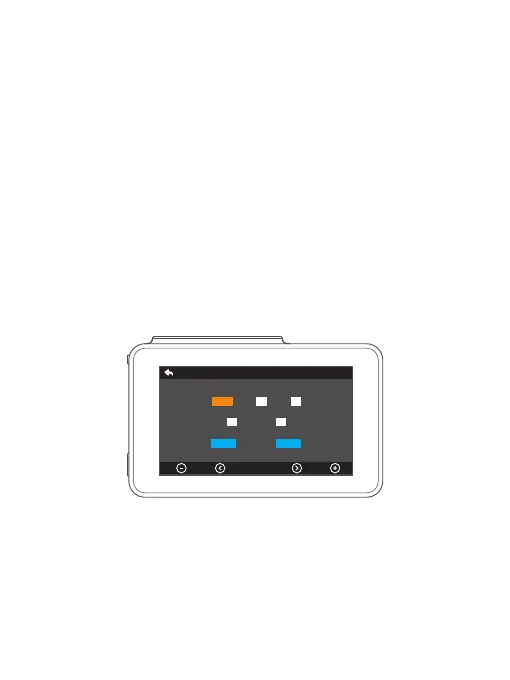
12. Time setting
Manually set the date and time.
Note: if you need to set the date and time manually, please turn off the time zone setting.
Cancel Confirm
OK
Time Setting
:
/ /
2020 12 03
1809
35



 To Next Page