01-01-2023
4K
00:00:00
00:00:00
Album
Playback Videos
1. Playback on the dash cam
You can playback all the files including normal/loop videos, emergency videos, and
photos on the dash cam. To playback files on the camera, first make sure the dash
cam is in preview mode.
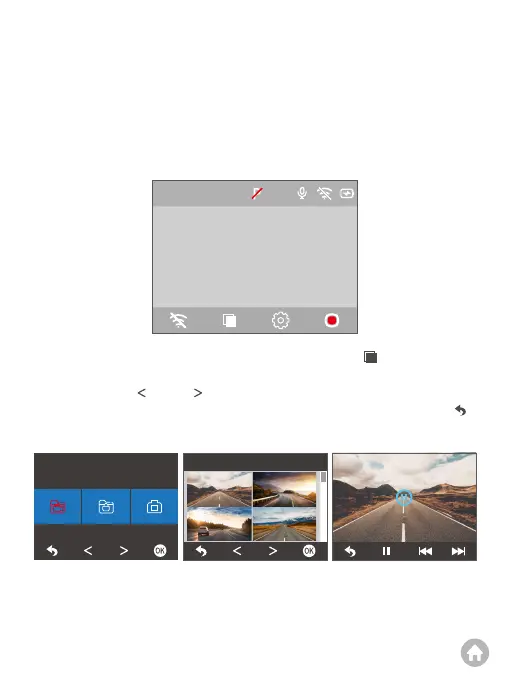
To playback normal videos, first press the Playback button to enter the
playback screen. Second, press the OK button to view all the normal videos. Third,
press the Previous or Next button to choose the video you want to playback.
Lastly, press the OK button, the video will play. You can press the Back button
to return to the playback screen.
Video files
12:20
06-18 15:23:33
09:10
06-15 09:18:18
23:23
06-16 12:18:22
15:23
06-15 11:20:30
00:00/12:20



 To Next Page