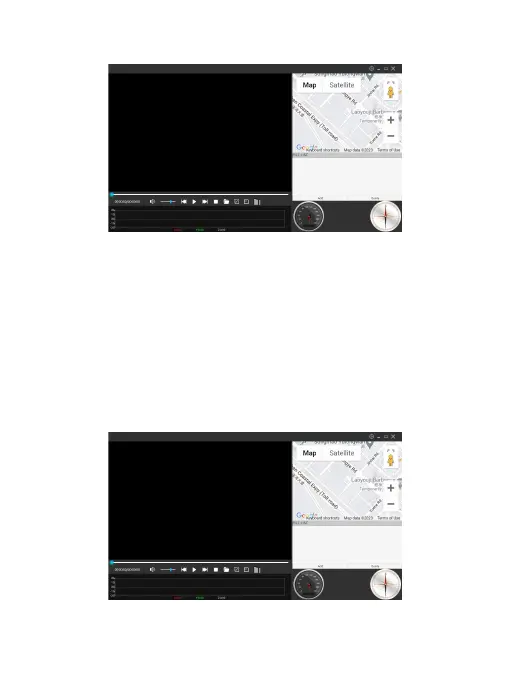
➂ Open the GX Player, then drag the GPS video to the file list for playback.
Tips:
The Google map helps you track the driving route, and it displays the default address.
If the address remains the same when the video plays, it indicates that the dash cam
records the video without the GPS information because the GPS did not work when
you were driving.
The GPS player won't work on any computers running on the Linux system. GPS
data won't show if you playback the video on your own player.
➃ During playback, you can check the driving route on the Google map, and check
speed, longitude and latitude on the bottom.



 To Next Page