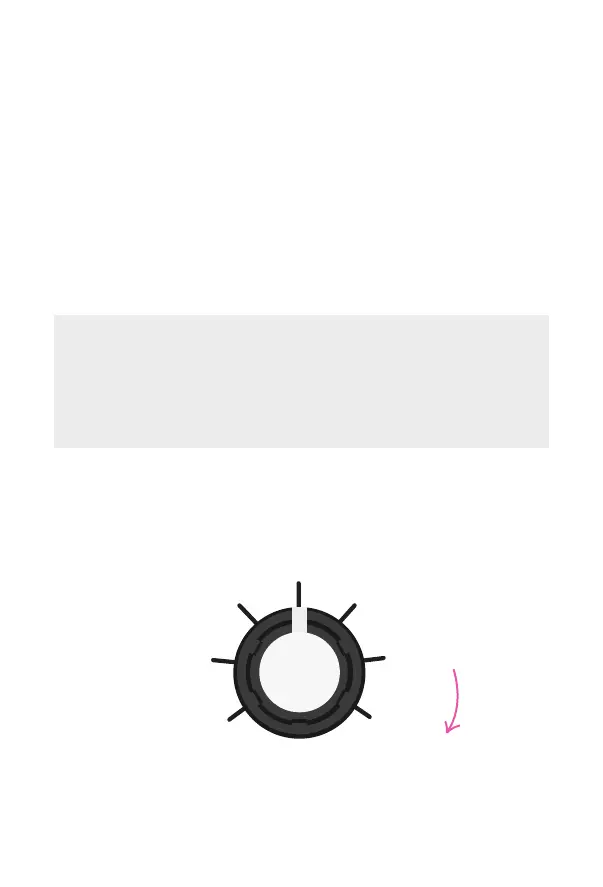
FULL
LOOP
RANDOM
1/2
1/4 1/8
1/16
*
Increasing probability
of smaller subdivisions
*
T1 — Controls the division of the loop length. Use
longer subdivisions for more rhythmic sounds and
shorter ones for glitchy eects in the vein of a
skipping CD.
Keep Touch held down to maintain playback.
If you let go the eect will stop.
If you want to latch your Repeater loop, tap bypass
while the Touch footswitch is being held down.
It’s great with full mixes and is a lot of fun to play along
with using a drum machine. You have the option to sync
Repeater to your other devices using MIDI clock (see our
online manual for more info).
First use Touch as a tap tempo to set the max length of
your loop. Max is 1.2 secs and min is 166 msecs.
Hold down Touch to start recording audio. When the
next tempo downbeat is reached, your loop will auto-
matically start playing back and endlessly repeat itself.
18



 To Next Page