Chapter 2 Basic Operation 2-11
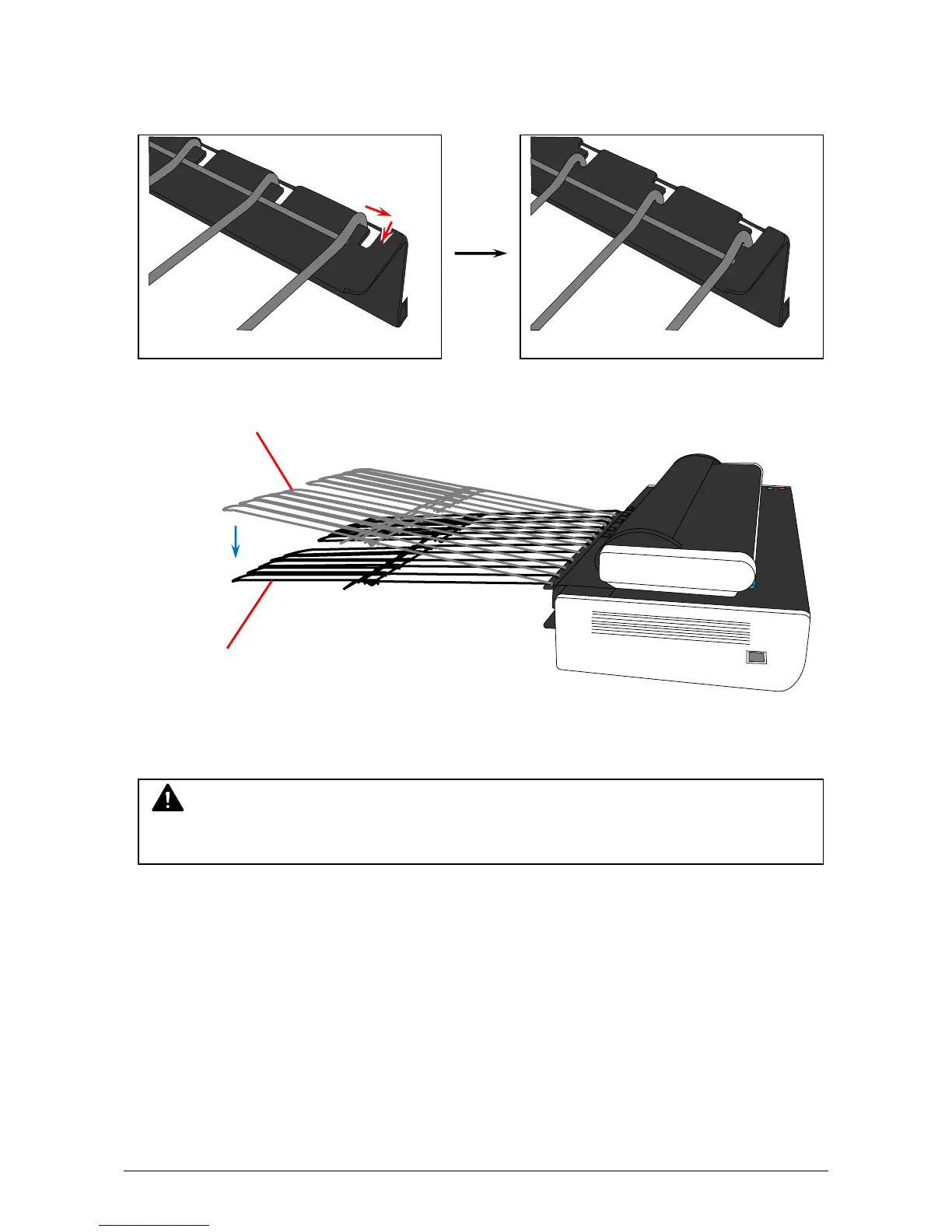
2. Move the bottom ends of Rear Steel Trays from normal position to low position, which will set
the entire Rear Steel Trays to the low (flat) position.
Normal position Low position
Normal position
Low position
NOTE
Please set the Rear Steel Trays to the low position when a board type original is scanned.



 To Next Page