LABO 468 PRO-ACTIVE LABO 468 ULTIMATE
LABO 520 PRO-ACTIVE LABO 520 ULTIMATE
LABO 520 CR PRO-ACTIVE LABO 520 ULTIMATE
LABO 720 PRO-ACTIVE LABO 720 ULTIMATE
LABO 720-CHROMAT PRO-
ACTIVE
LABO 720-CHROMAT ULTI-
MATE
Two humidity levels are available for the interior of the unit:
high humidity - approx. 90%
low humidity - approx. 65%
If the “high humidity” setting is selected, the recircu-
lating blower in the interior is constantly in operation
and is switched off only when the door is opened. If the
“low humidity” setting is selected, the blower switches
off briefly each time the cooling machine stops.
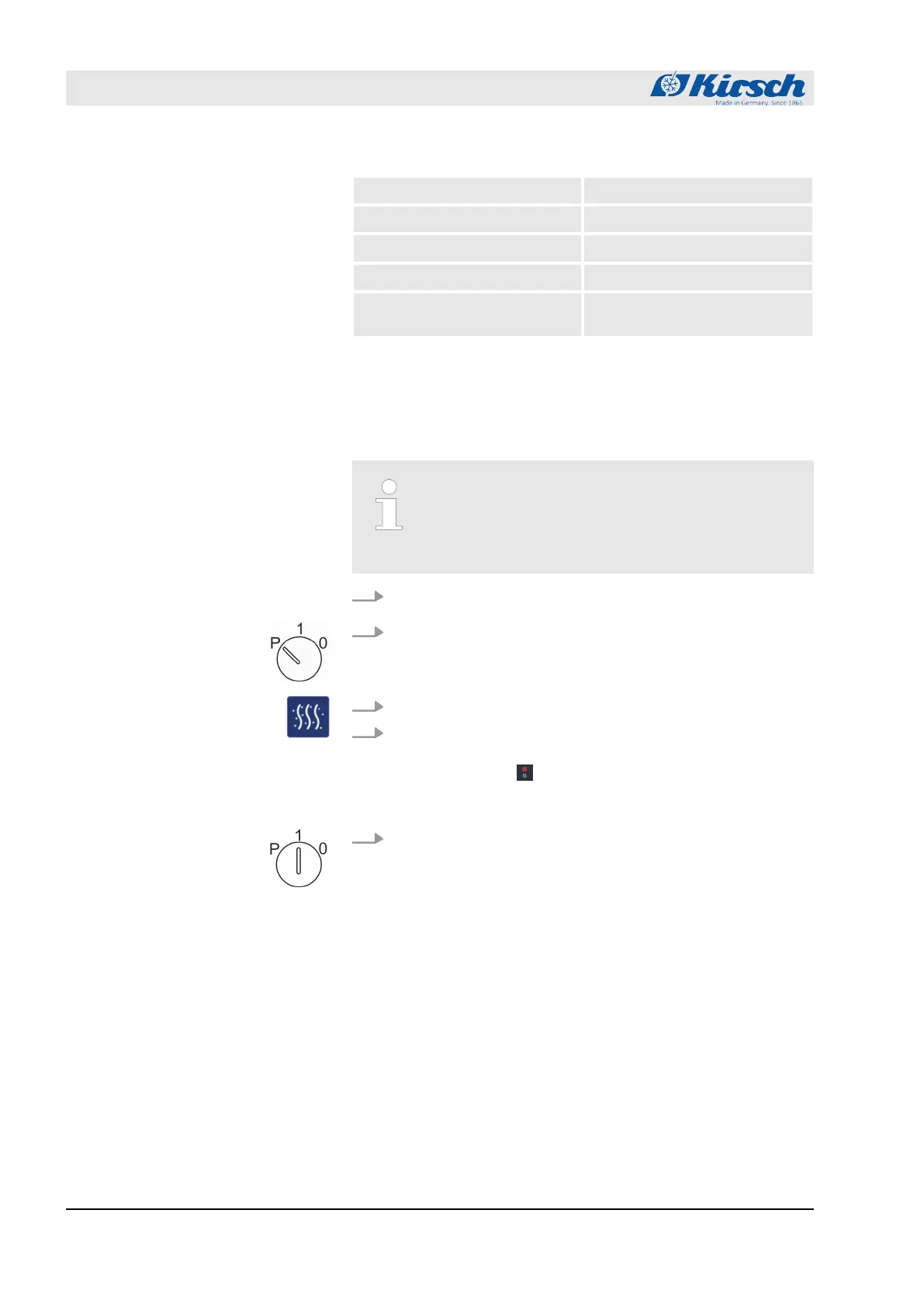
1. Insert the unit key in the key switch.
2. Turn unit key to position “P”.
3. Press button [Humidity] and hold it for at least for 4 seconds.
4. Select humidity.
ð
As soon as you have selected “high humidity”, LED dis-
play lights up. .
After you select “low humidity”, the LED display goes out.
5. Turn unit key to position “1”.
Adjusting the humidity
Commissioning
Programming the unit > Adjusting the humidity
23.05.2023Refrigerator/freezer LABO series44









 To Next Page