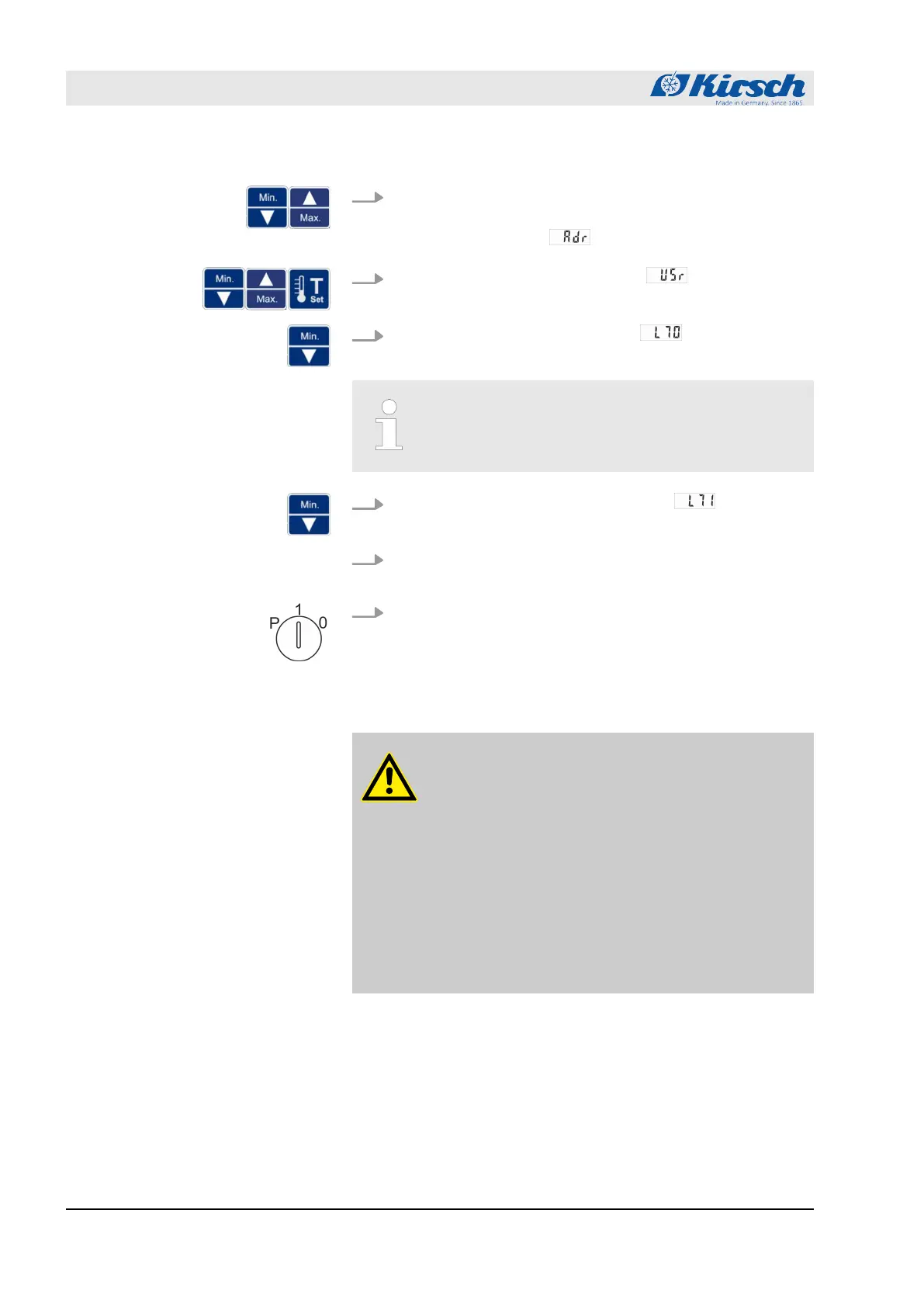
3. Press and hold [Max.] and [Min.] simultaneously for four sec-
onds.
ð
The display shows .
4.
Press [Max.] and [Min.] to go to level and confirm with
Set.
5.
Press [Min.] to select the parameter .
ð
The first digits of the MAC address are displayed.
The first two displayed digits “00” are not part of the
MAC address.
6.
Press [Min.] to select the next parameter .
ð
The next digits of the MAC address are displayed.
7. At levels L72 to L75, repeat step 5 until the MAC address has
been completely read out.
8. Set key switch to “1” to complete your input.
ð
The MAC address has been read out.
7.7 Stocking the unit
CAUTION!
Danger to chilled goods due to contamination!
A dirty unit can contaminate the stored chilled goods. A
contamination can damage or destroy the chilled
goods.
– Do not store contaminated chilled goods in the unit.
– After any contamination, clean, disinfect and steri-
lise the unit and the chilled goods.
– Clean, disinfect and sterilise the unit in line with this
instruction manual during operation.
– Comply with the applicable requirements for per-
sonal hygiene, disinfection and sterilisation.
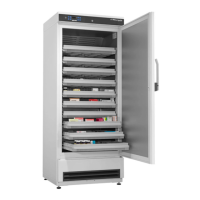
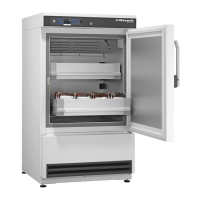
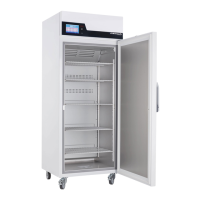
During operation, the unit can be stocked with chilled goods at any
time.
If the unit door is opened for more than 60 seconds during
stocking, the door-open alarm is triggered
Ä
Chapter 10 ‘Alarms’
on page 62.
Operation
Stocking the unit
23.05.2023Refrigerator/freezer LABO series54



 To Next Page