Display Buzzer Description Measure
3
Temperature alarm (low)
n The lower temperature warning limit
is reached or exceeded (for
example after the door has been
opened for a longer period while the
cooling machine cools down the
unit).
However, the displayed (mean)
value may still be above the tem-
perature warning limit. The display
alternates between the mean value
and the temperature at the coldest
point.
n Safety equipment triggers, moni-
toring circuit has switched off the
cooling machine.
n View and check the temperature
warning limit
Ä
Chapter 6.2.2.2
‘Displaying and changing the tem-
perature warning limits’ on page 42.
n If necessary, correct the values of
the temperature warning limits.
n Monitor the temperature progres-
sion.
n If it does not normalise, contact the
service department.
n Transfer chilled goods to a new
location.
Tab. 12: Error messages and status displays of the PC-KIT-STICK
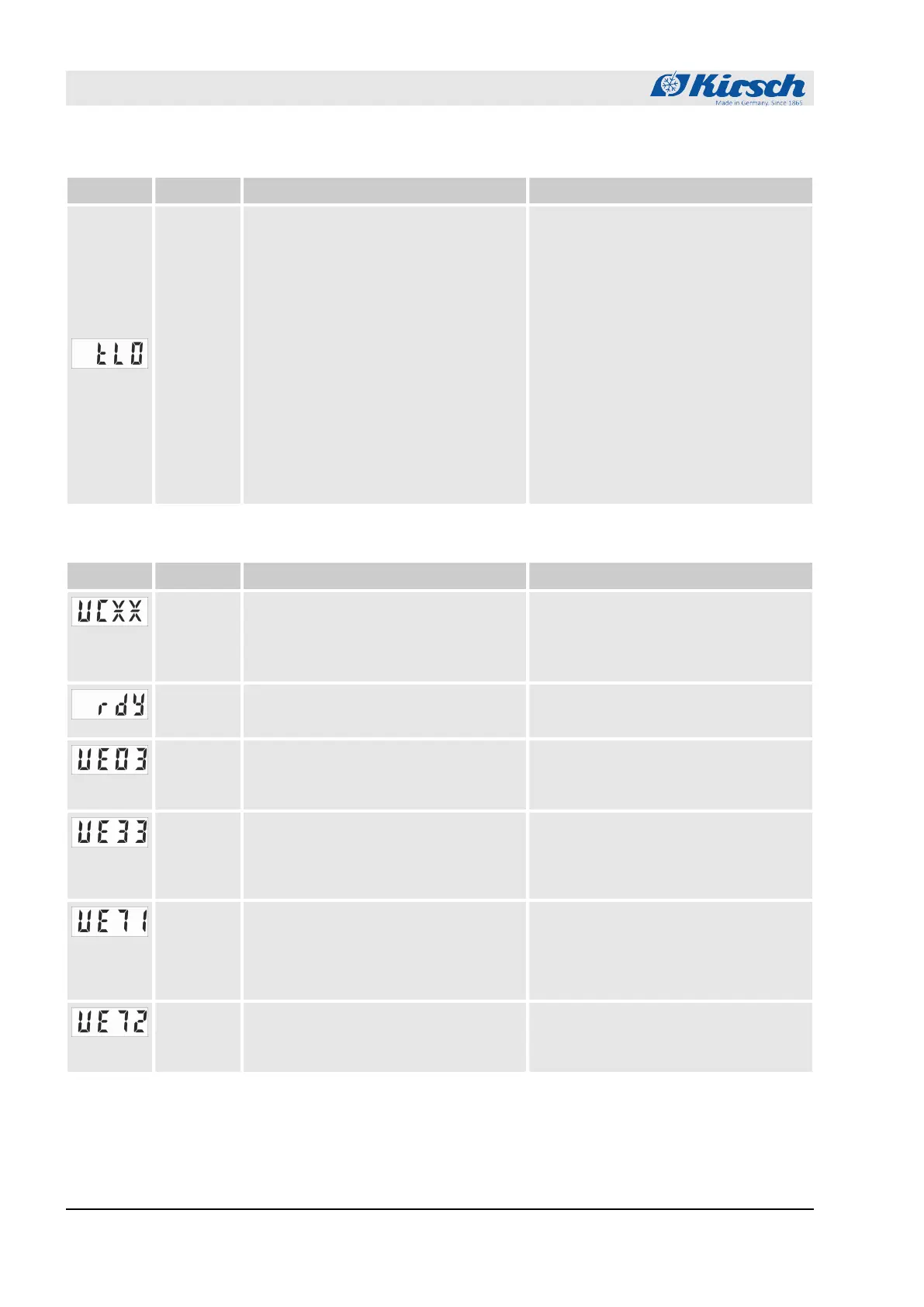
Display Buzzer Description Measure
–
Status display:
n Copying process is running.
n XX represents the progress of the
copying process in percent.
n Do not remove USB flash drive.
– Status display:
n Copying process is complete.
n Remove the USB flash drive.
–
Status display:
n Memory of the USB flash drive is
full.
n Use a USB flash drive with suffi-
cient memory capacity.
–
Error message:
n USB stick error when accessing file
system or Error occurred while initi-
alizing the file system.
n Please use another stick
–
Error message:
n Data read-out failed, re-initialization
required.
n Turn off the unit by the key switch.
Then disconnect the unit from the
mains for 1 minute.
n Then restart the unit and start data
reading.
–
Error message:
n USB flash drive was removed while
copying process was ongoing.
n Remove the USB flash drive and try
again after 1 minute.
Status displays and error messages
Error messages
23.05.2023Refrigerator/freezer LABO series70


 To Next Page
 Loading...





