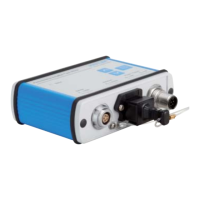
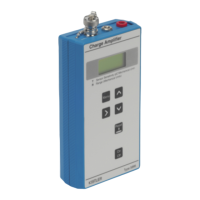
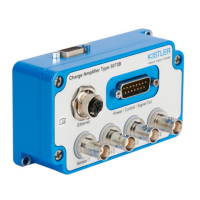
LabAmp network configuration guide
002-808e-07.20
Page 8
3.1.2 Example of a static configuration
A valid configuration for a static IP setting is the following:
Computer settings:
IP-address: 192.168.1.10 0
Subnet mask: 255.255.255.0
Default gateway: 192.168.1.1
LabAmp settings:
IP-address:
192.168.1.101 (for further
devices count up the last
number; 102, 103, etc.)
Subnet mask: 255.255.255.0
Default gateway: 192.168.1.1
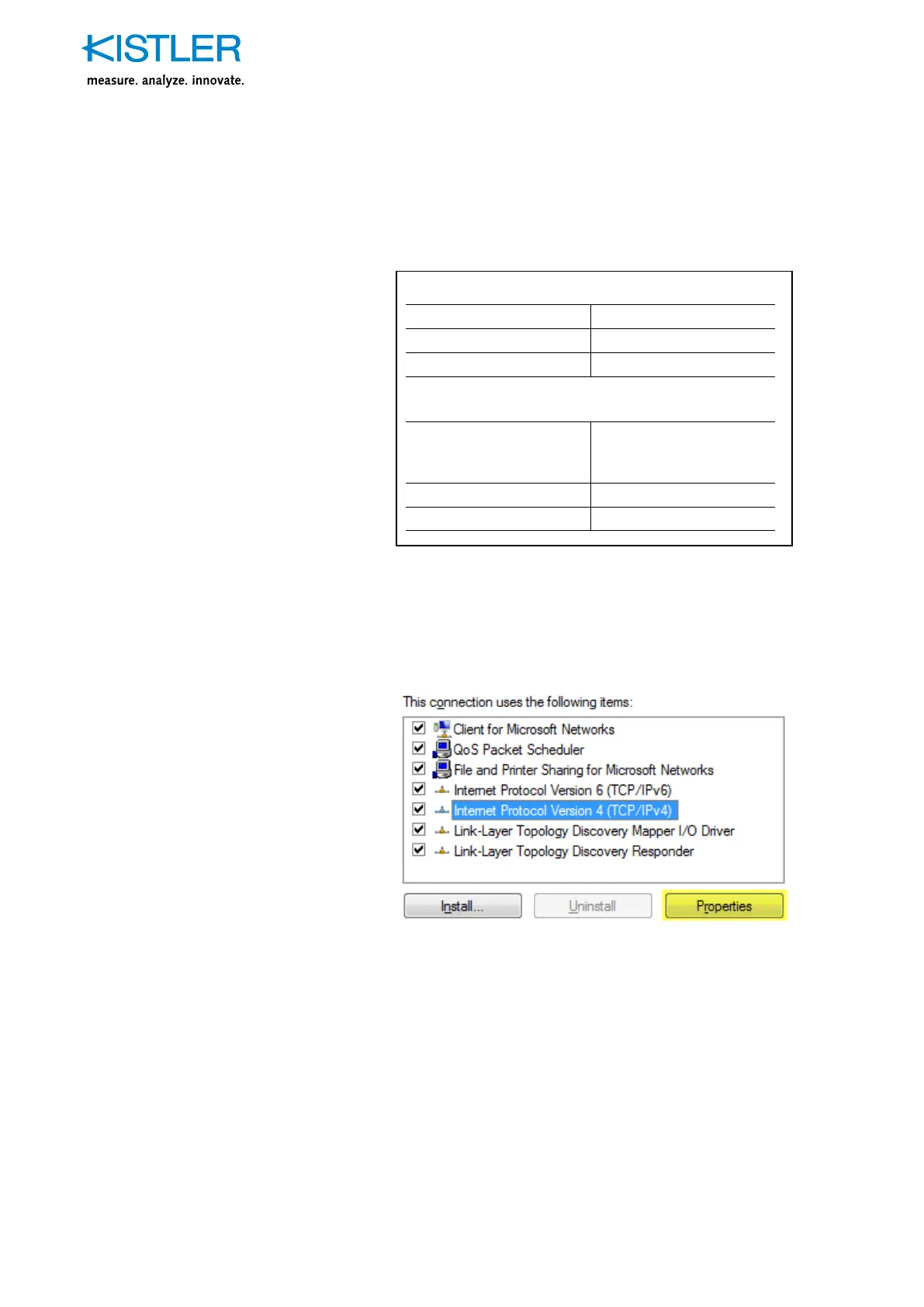
The LabAmp settings can be configured either by using the
Kistler Network Setup Wizard or on the individual web user
interface of every device. The computer settings need to
be configured in the control panel
→
Network And Sharing
Center
→
LAN connection
→
Properties:


 To Next Page