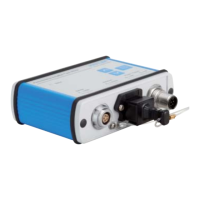
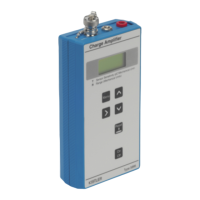
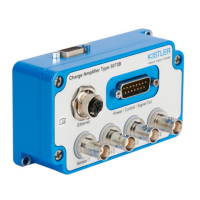
Different setup options
Page 7
002-808e-07.20
3.1.1 Options for direct connections
1. Every network interface has its own IP settings. In case
the standard Ethernet interface of a computer is dedi-
cated to access a company network, e.g. an external
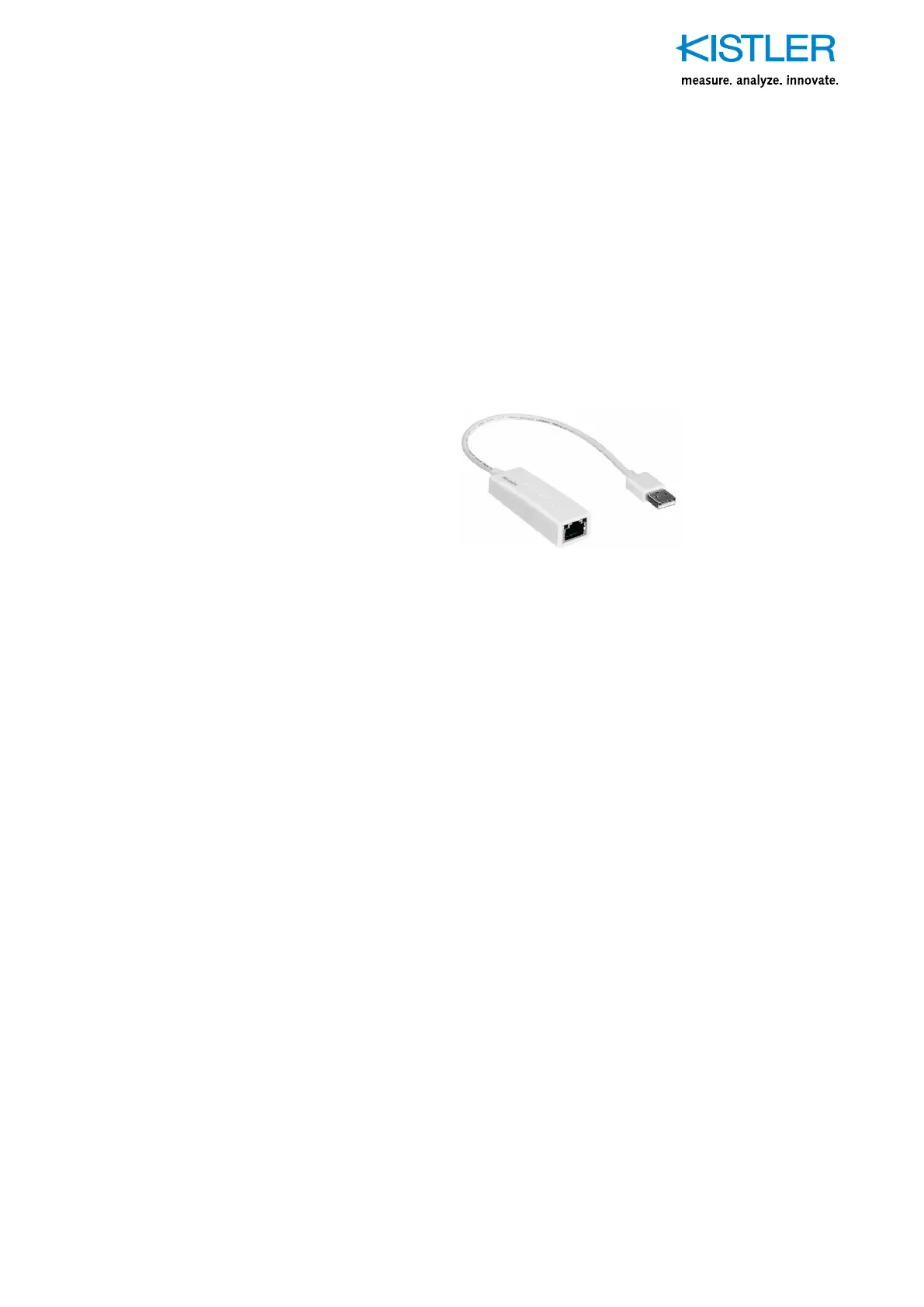
USB-to-Ethernet adapter can be used. This additional
network interface can then be set to a static config-
uration to profit from above described advantages.
Fig. 3: A simple but useful USB-to-Ethernet adapter.
Picture source: Trendnet
2. As most notebooks nowadays offer network access via
Wifi and Ethernet connection, the Ethernet interface can
be set to a static configuration to profit from above men-
tioned advantages while the company network and inter-
net can be still accessed using the Wifi network adapter.
However, sometimes the operating system or the com-
puter’s BIOS settings (e.g. HP EliteBooks, “LAN/WLAN
switching” setting) block the use of Wifi and Ethernet
at the same time. Normally, this can be configured. Ask
your IT administrator to make the necessary changes
if you don’t feel comfortable to make changes in your
computer’s BIOS.


 To Next Page