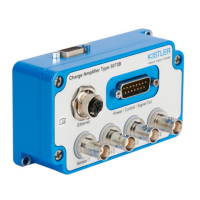
LabAmp network configuration guide
002-808e-07.20
Page 12
3.3 DHCP configuration, PC somewhere in the network
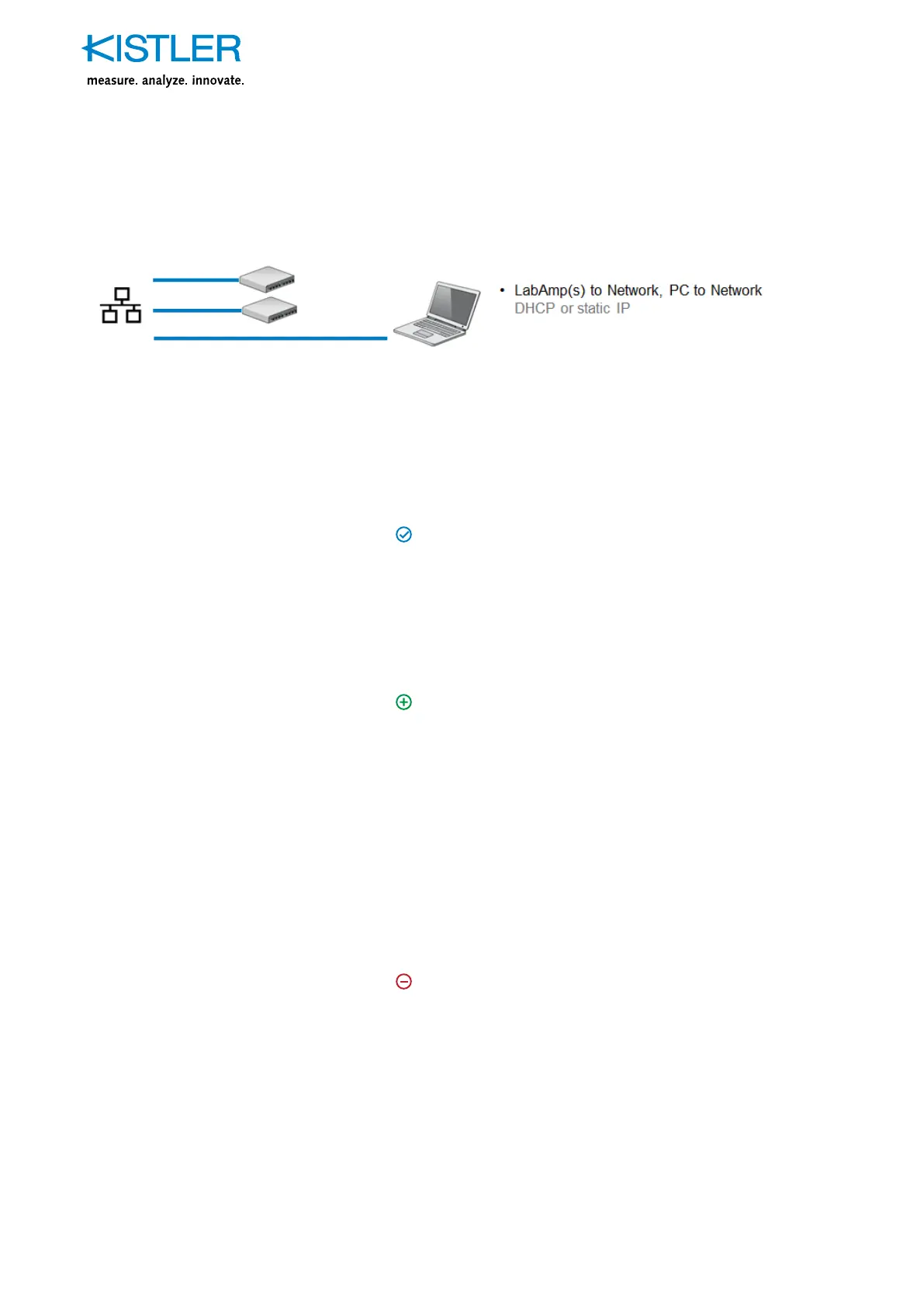
Fig. 5: LabAmps somewhere in the network
Remark: Do not connect devices with static IP configuration
to networks with dynamic IP configuration. This can lead to
IP address conflicts.
Recommended situation
DHCP
Wherever LabAmp devices need to be accessed from a place
within the network which is physically further away, this is
the perfect setup. This can be the case if a measurement shall
be monitored out of a different room or building.
Advantages
DHCP
There are basically no distance restrictions. A device can be
accessed from another part of the world if it is located in the
same (company) network. The devices obtain their IP settings
from the DHCP server within the network.
It is basically possible to allocate the same IP address to
a device each time it is connected to the network based on
their unique MAC address. However, these are advanced
DHCP server settings which need to be configured by your
network administrator.
Disadvantages
DHCP
If the LabAmp devices are placed in a different subnet compared
to the computer from where the devices shall be accessed, the
Kistler Network Setup Wizard isn’t able to find the devices.
In this case, either a computer has to be connected to the
same subnet running the Network Setup Wizard to find the
device(s) or the network administrator has to inform about
the distributed IP addresses.
Other than that, same advantages/disadvantages listed under
3.2 apply.


 To Next Page