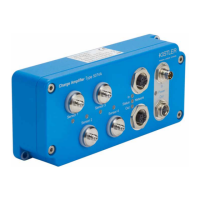
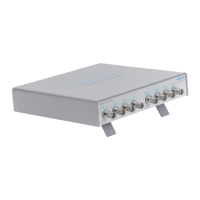
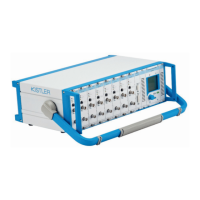
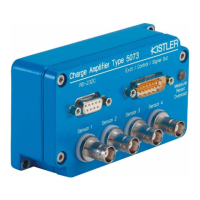
Different setup options
Page 11
002-808e-07.20
Advantages
DHCP
After connecting the devices, they automatically obtain an IP
address from the DHCP server in the network. The Kistler
Network Setup Wizard shows the addresses quickly and work
can start without any further IP configurations.
Furthermore, the devices are accessible within the whole com-
pany network so once the IP addresses are known, working
with them is possible from any point in the network. In a big
company this can involve different countries and continents.
Also see 3.3.
It is basically possible to allocate the same IP address to
a device each time it is connected to the network based on
their unique MAC address. However, these are advanced
DHCP server settings which need to be configured by your
network administrator.
Disadvantages
DHCP
Some companies have restrictions regarding the connection
of “unapproved” devices to the network. In such cases,
a discussion with the IT department might help. LabAmp
devices do not act as DHCP server and they do not contain
any Wifi access point functionality which could disturb
the network. If they are set to DHCP mode, they do not
interfere with the network management.
LabAmp devices are laboratory equipment designed with
ease of use and quick operation in mind. This is why there
is no authorization mechanism in place. The person who
has access can work with the device without any restriction.
If LabAmp devices are used in very sensitive areas where
the possibility of unauthorized access has to be avoided,
this must be solved by the network administrator.


 To Next Page