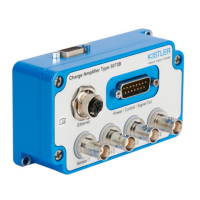
First connection via ethernet
Page 13
002-808e-07.20
4. First connection via ethernet
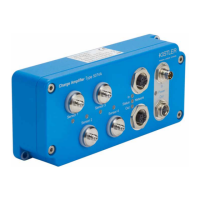
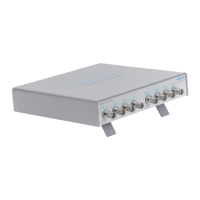
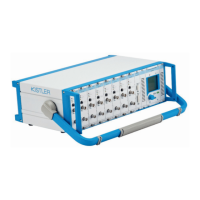
The measuring amplifiers Type 5167A and 5165A include
an integrated web server, whose web interface is used to
configure and operate the device. Please ensure that your PC
is in DHCP mode and/or Auto-IP mode (network settings)
when connecting to a 5167A or a 5165A for the very first time.
The following approach is recommended to establish a con-
nection with the measuring amplifier via Ethernet:
1. Connect the device to the network
Connect the measuring amplifier via a network cable
directly to a computer or a network (e.g network switch).
2. Find the device in the network
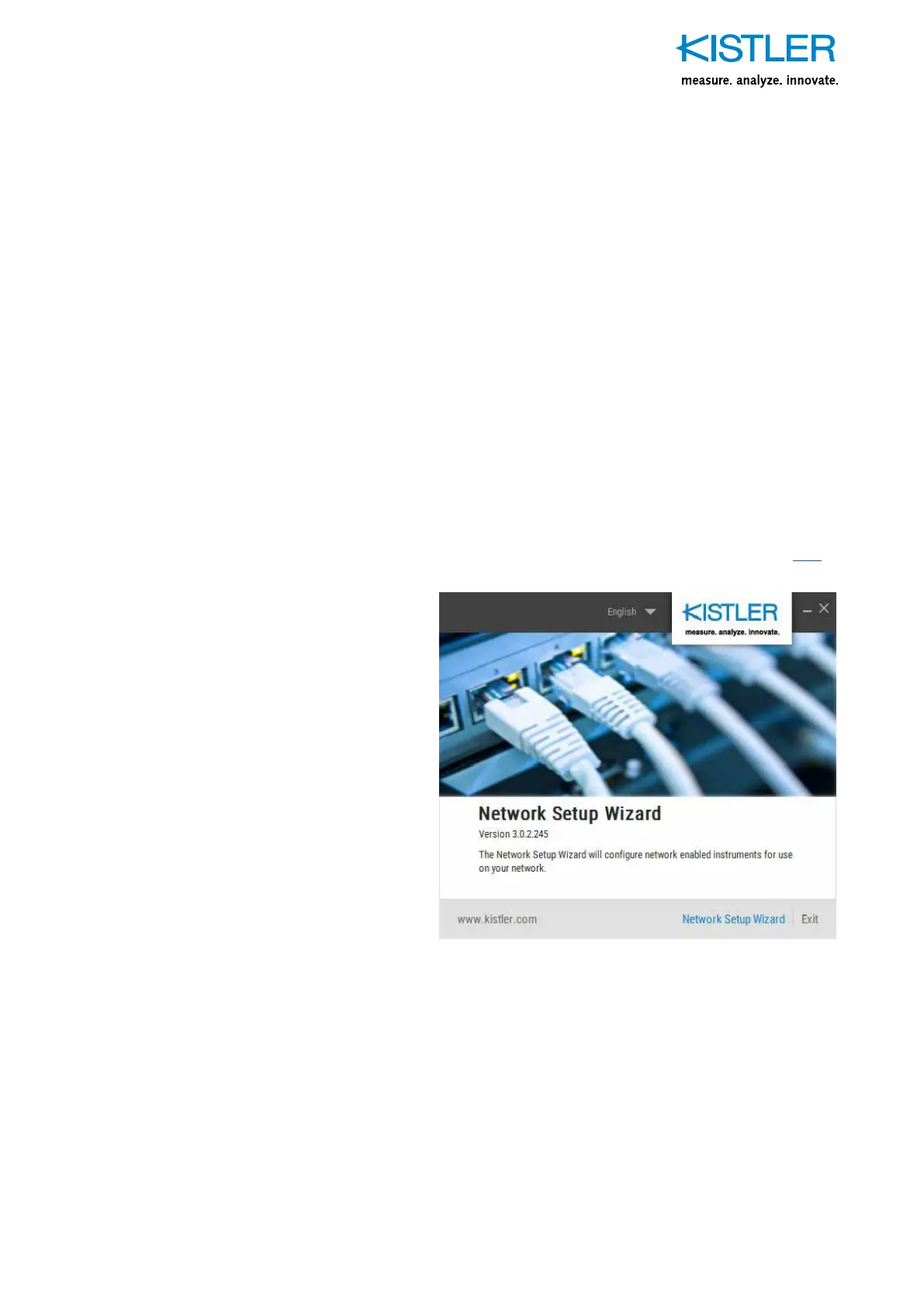
a) Start the «IP Setup Wizard» tool that finds all Kistler
network devices (the tool can be found on www.kis-
tler.com, search for «5167» or «5167» or click here).
Fig. 6: Start screen of the Kistler Network Setup Wizard
b) Click on «Network Setup Wizard» and wait until Kistler
network devices are displayed. In the case of a direct
connection (5165A or 5167A to PC), it may take up to
2minutes until the devices are displayed.


 To Next Page