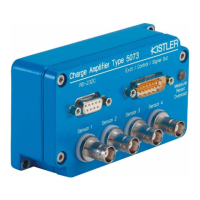
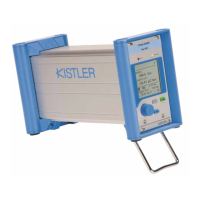
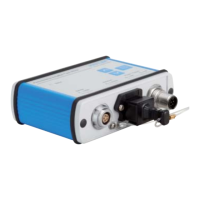
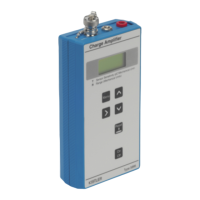
LabAmp network configuration guide
002-808e-07.20
Page 4
2. IP configuration options
In a computer network, every device needs to have a unique
address for a clear identification, the so called IP (internet
protocol) address. There are two fundamental ways how the
devices get their IP settings: static and dynamic.
Static IP configuration
Each device within the network has a static IP address
The IP settings need to be configured manually on each
device in the network
The user is responsible that no IP conflicts occur (every
address only used once)
Dynamic IP configuration
Each device in the network receives an IP address auto-
matically
The addresses are distributed by a DHCP server (dynamic
host configuration protocol)
If no DHCP server is present in the network, the IP
addresses are automatically negotiated among the devices
(Automatic Private IP Addressing (APIPA) or also AutoIP)
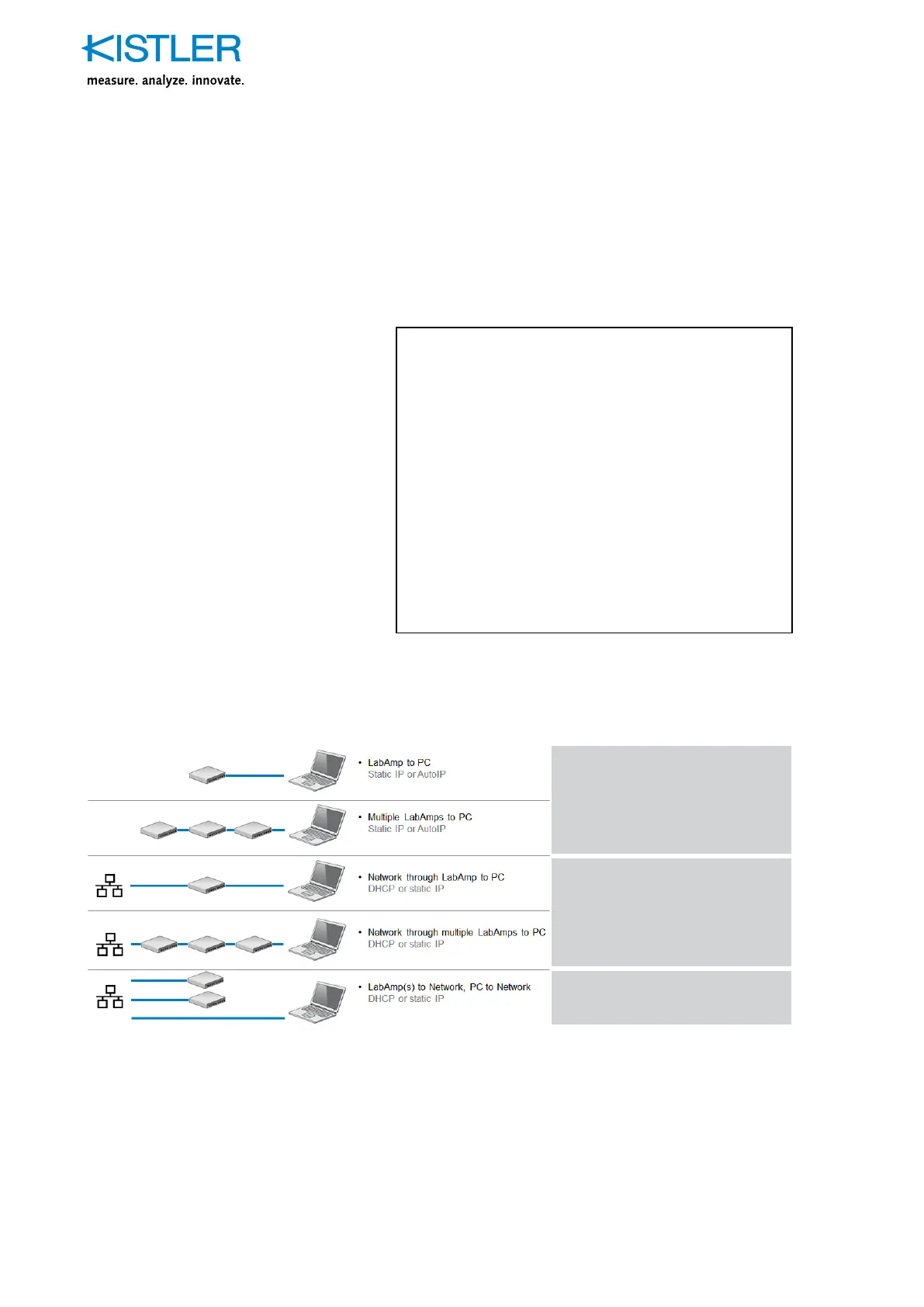
Depending on the situation, the different ways have different
advantages and disadvantages
Direct connection to PC
without any network connection
See 3.1
Direct connection to PC
in a local network
See 3.2
Devices distributed in network
See 3.3
Fig. 1: Different network setups


 To Next Page