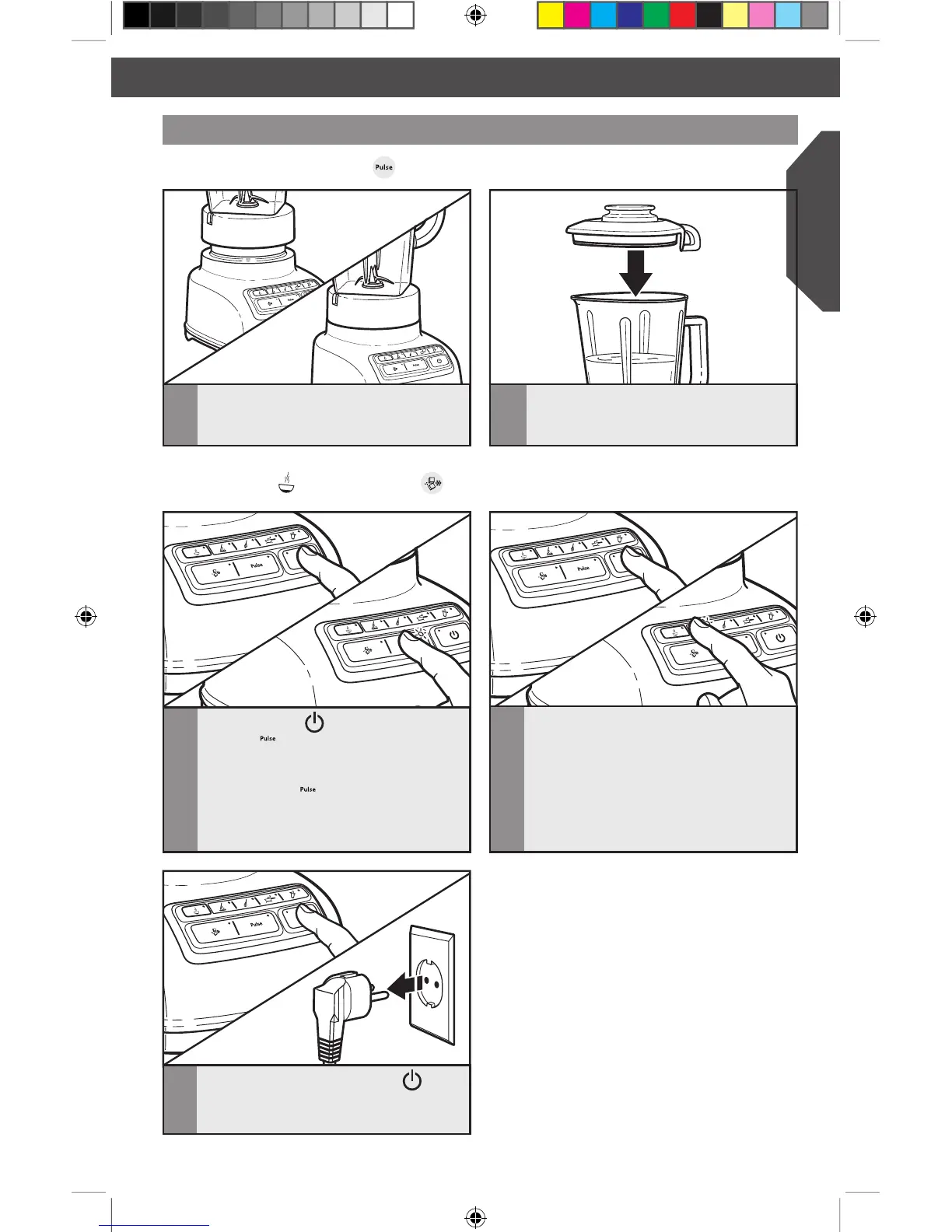
OPERATING THE BLENDER
3
Press POWER ( ), then press
PULSE (
). The indicator lights above
the Pulse button and all four speeds will
blink to indicate that all four speeds are
in the PULSE (
) mode.
5
When finished, press POWER ( )
to turn off. Unplug Blender before
removing the pitcher.
Using the Pulse function
1
Before operating the Blender, make sure
the pitcher is properly positioned on
the base.
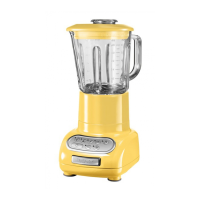
Your Blender offers a PULSE ( ) function, which allows a “Pulse-at-any-speed” feature.
2
Put ingredients into the pitcher and
firmly place lid.
4
Press and hold a speed button for the
desired length of time. Both the speed
button and PULSE mode indicators will
stay lit when pulsing. Blending will stop
when Pulse button is released and the
Pulse indicator will resume blinking. To
pulse again at another speed, just press
and hold the desired speed button.
NOTE: PULSE mode will not work with the
HOT FOODS ( ) or CRUSH ICE ( ) modes.
W10517477A_ENv6.indd 13 12/13/13 3:38 PM








 To Next Page