30 31
Operating instructions for Wi-Fi control interface
Video recording
• Click the video recording mode icon
. The
icon will be displayed. Click it to start or stop video recording.
• Click the
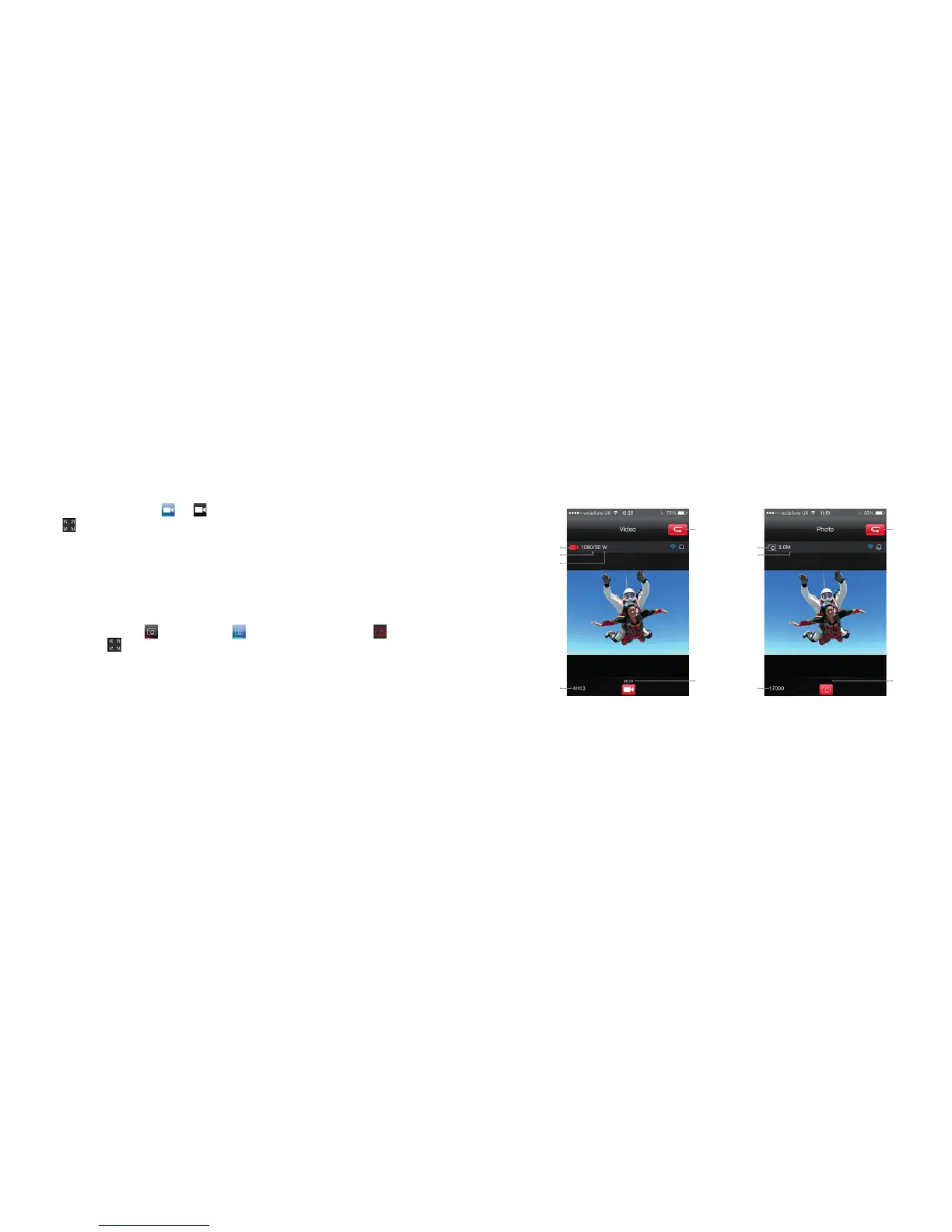
icon to maximize the preview (see Fig. 3).
You can set up your desired recording resolution in the parameter setting interface. The options are:
• 1920 x1080p 25 FPS/30 FPS
• 1280 x 960p 25 FPS/30 FPS
• 1280 x 720p 25 FPS/30 FPS/50 FPS/60 FPS
• 848 x 480p 50 FPS/60 FPS/100 FPS/120 FPS
Single shot
• Click the single shot mode icon
and it will turn blue . The current state icon will display . Click it to take
one picture. Click the
icon to maximize the preview (see Fig. 4). You can set up the pixels in the parameter
setting interface
Fig. 3 – Video recording mode Fig. 4 – Single shot mode
Return to
main interface
Return to
main interface
Current state Current state
Angle
Resolution and frame rate Pixel
Recording
duration
Recording
duration
Remaining recording time
Photo
number



 To Next Page