16 17
Resolution setting
The optional resolutions for video recording are listed as below:
Bit rate
This camera provides two bit rate options: high and normal . (If a high bit rate is selected, you will get a
clearer picture with increased file size.)
PAL System NTSC System
1920 x 1080i 50f 16:9 1920 x 1080i 60f 16:9
1920 x 1080p 25f 16:9 1920 x 1080p 30f 16:9
1280 x 960p 25f 4:3 1280 x 960p 30f 4:3
1280 x 720p 50f 16:9 1280 x 720p 60f 16:9
1280 x 720p 25f 16:9 1280 x 720p 30f 16:9
848 x 480p 100f 16:9 848 x 480p 120f 16:9
848 x 480p 50f 16:9 848 x 480p 60f 16:9
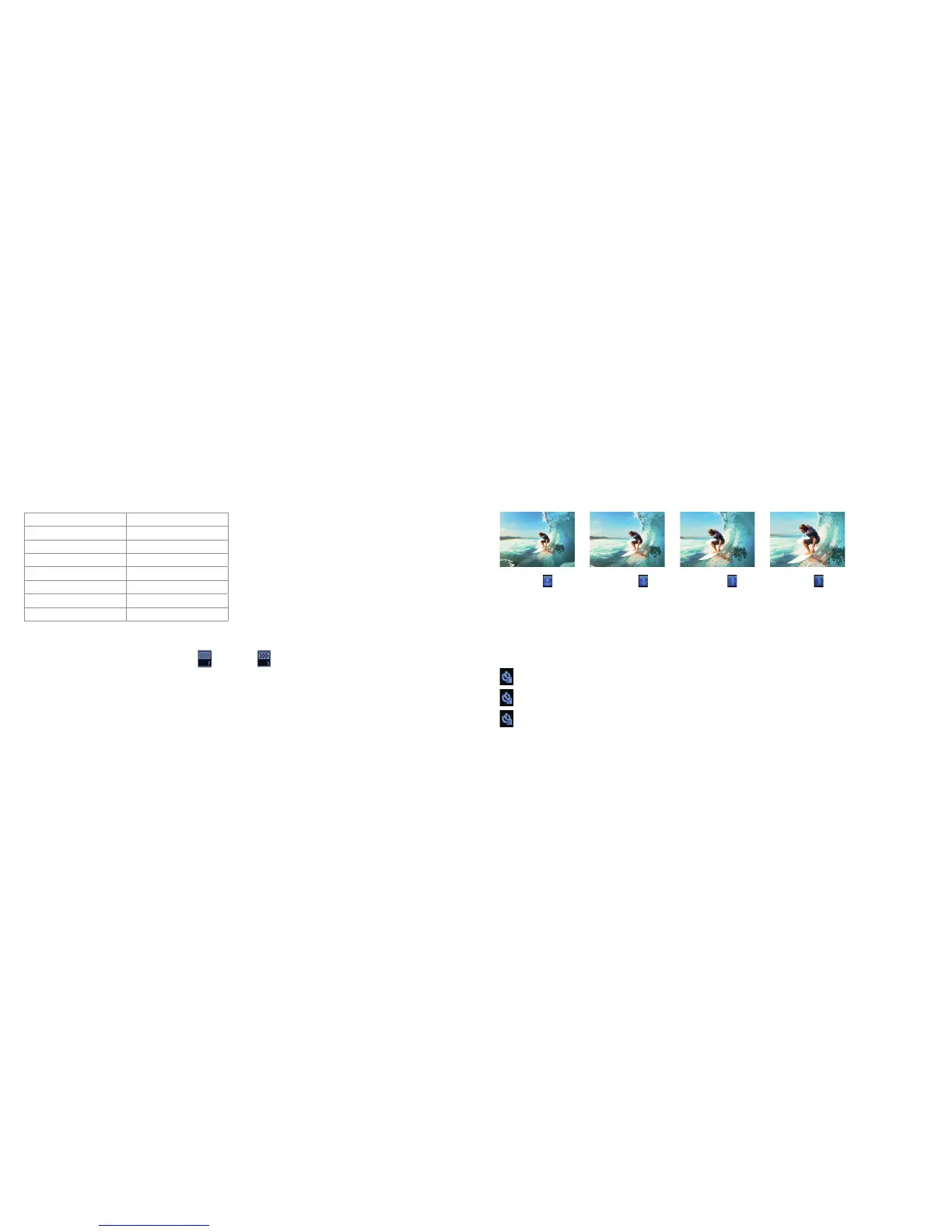
Visual angle
Optional visual angles: Wide, Medium, Narrow, Small
Auto video
• Set the video recording mode to “Auto video”.
• If this function is enabled, the system will automatically start recording videos according to the countdown time
you set.
: Start video recording 5 seconds after the “video recording” button is pressed
: Start video recording 10 seconds after the “video recording” button is pressed
: Start video recording 20 seconds after the “video recording” button is pressed
Wide
Medium Narrow Small



 To Next Page