10 11
LED indicator status
Position
Red indicator Green indicator Blue indicator
Front cover (1)
Top cover (1)
TFT display (1)
Front cover (1)
Top cover (1)
TFT display each (1)
Bottom side (2)
Front cover (1)
Status
Startup On
Video recording Flashes slowly
Audio recording Flashes slowly
Photo shooting Flashes once
Card full On
Charging (switched off) Flashes slowly
Fully charged (switched off) On
Low-battery indicator Flashes quickly for
5 seconds and then
auto powers off
Data transmission Flashes slowly
Wi-Fi on Flashes slowly
Before use
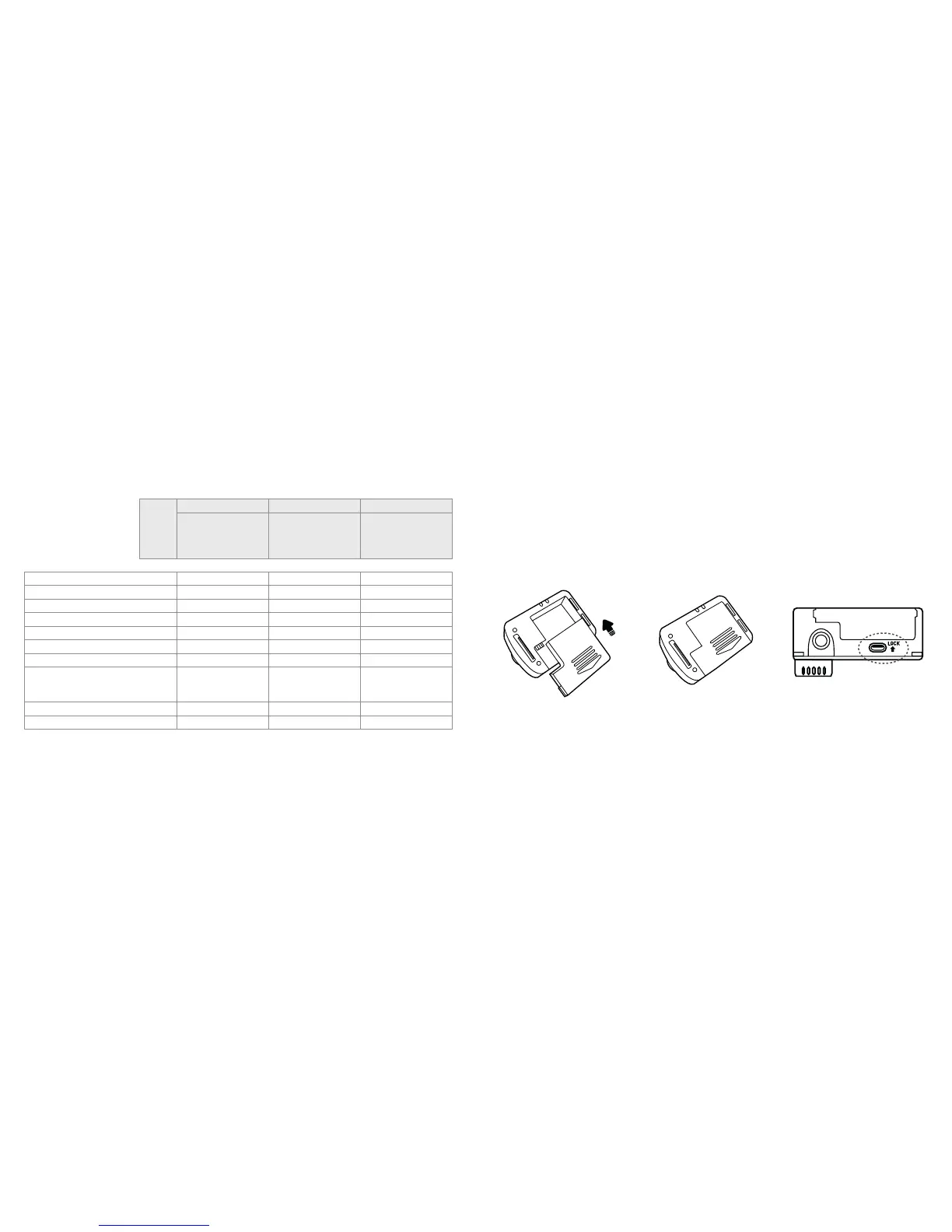
• Ensure that the battery “lock key” at the bottom of the camera is unlocked
• Push the battery into the slot completely as below
• Start up the unit to check the battery power. If the battery level is low,
charge it using the supplied power adaptor or USB port of a PC



 To Next Page