Configuring and Updating the SP-II TPU 5-13
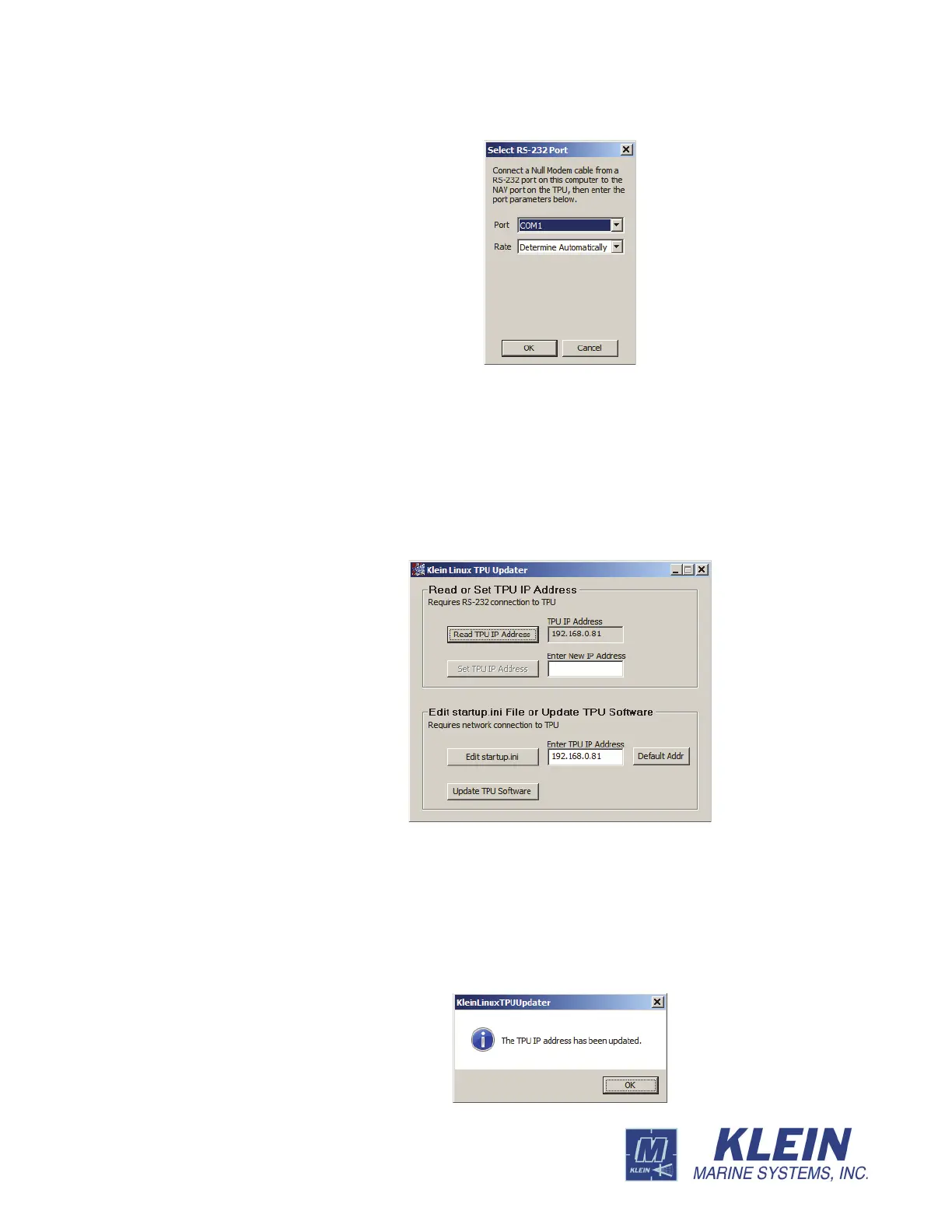
7. From the Rate drop-down list box, select the baud rate of the SP-II TPU’s NAV
serial port, or select Determine Automatically to have Linux TPU Updater find
the rate.
The Klein Linux TPU Updater dialog box opens with the current IP address
displayed in the TPU IP Address text box as shown in Figure 5-9.
8. Enter the new address in the Enter New IP Address text box, and then click Set
TPU IP Address
.
A window opens confirming the change:
Figure 5-8: The Select RS-232 Port Dialog Box.
Figure 5-9: The Klein Linux TPU Updater Dialog Box with Current TPU IP
Address Displayed


 To Next Page