31
SOFT 80, SOFT 100 PELLET-BURNING STOVE
- By pressing button 3 (On/Off) or waiting a few seconds without confirming, the set value is not saved.
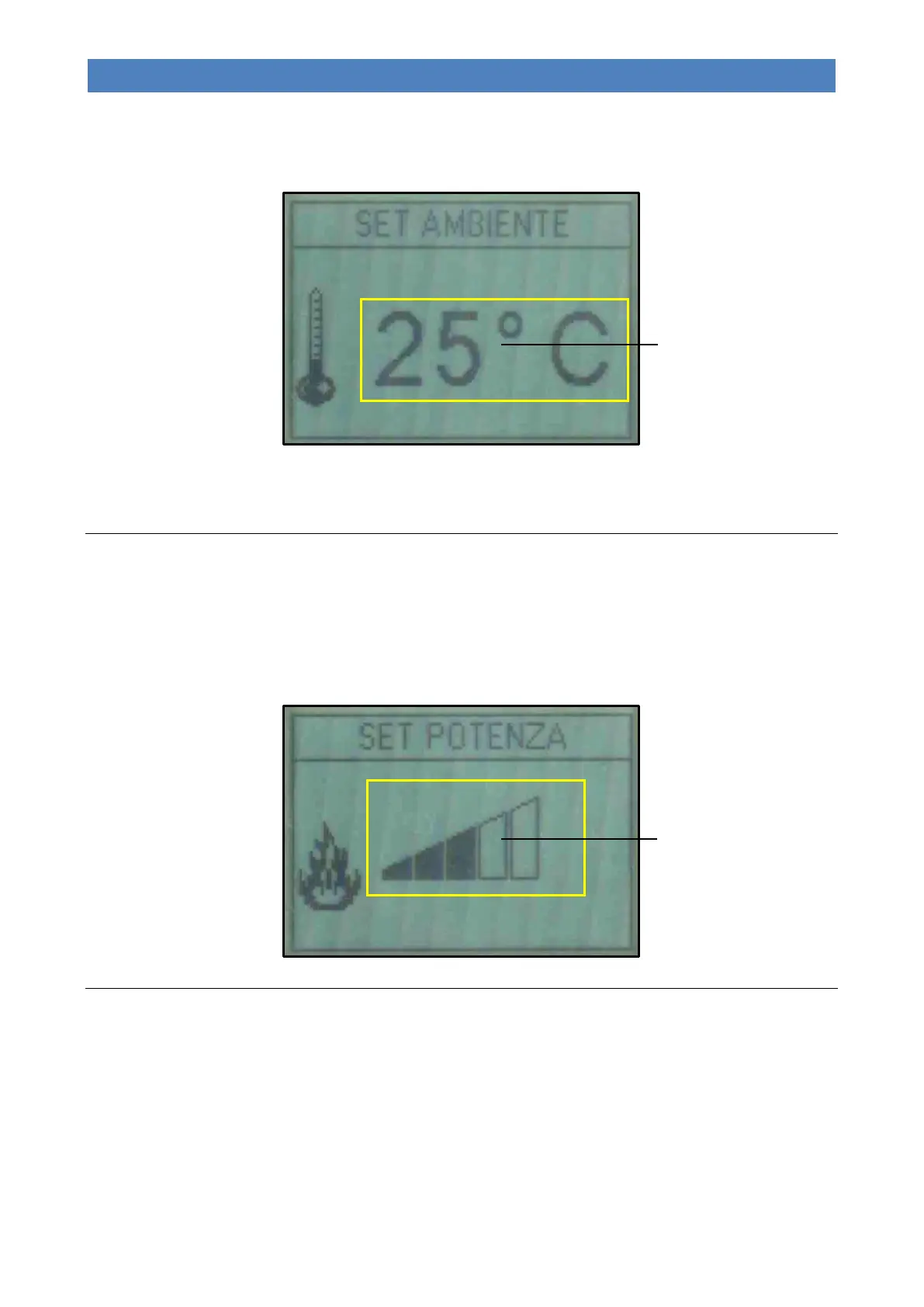
During this operation, the display will appear as shown below:
During the work phase, the appliance enters the “MODULATION” economy mode when this temperature value is
reached (see “Work phase”).
Modifying the power set-point
- To modify the working power, simply select “SET OUTPUT” by pressing button 2 (Decrease).
- Press buttons 1 and 2 (Increase and Decrease) to modify the value and confirm with button 4 (Set) or 5 (Esc); it is
possible to set a power value between 1 and 5.
- By pressing button 3 (On/Off) or waiting a few seconds without confirming, the set value is not saved.
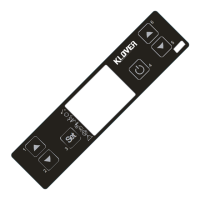
During this operation, the display will appear as shown below:
Modifying the fun air speed set-point
- To modify the speed of the frontal air fan, simply select “SET AIR” by pressing button 5 (Esc).
- Press button 2 (Decrease) to modify the value associated with the frontal air fan and confirm with button 4 (Set) or 5
(Esc); it is possible to manually set a speed value between 1 and 5, or an automatic speed (A) associated with the
value set under “SET OUTPUT” (see “Modifying the power set-point”).
- By pressing button 3 (On/Off) or waiting a few seconds without confirming, the set value is not saved.
SET ROOM
(Main room temperature
set-point of zone 1,
settable to between 7°C
and 40°C)
SET OUTPUT
(Working power settable to
between 1 and 5)


 To Next Page