EasyManua.ls Logo

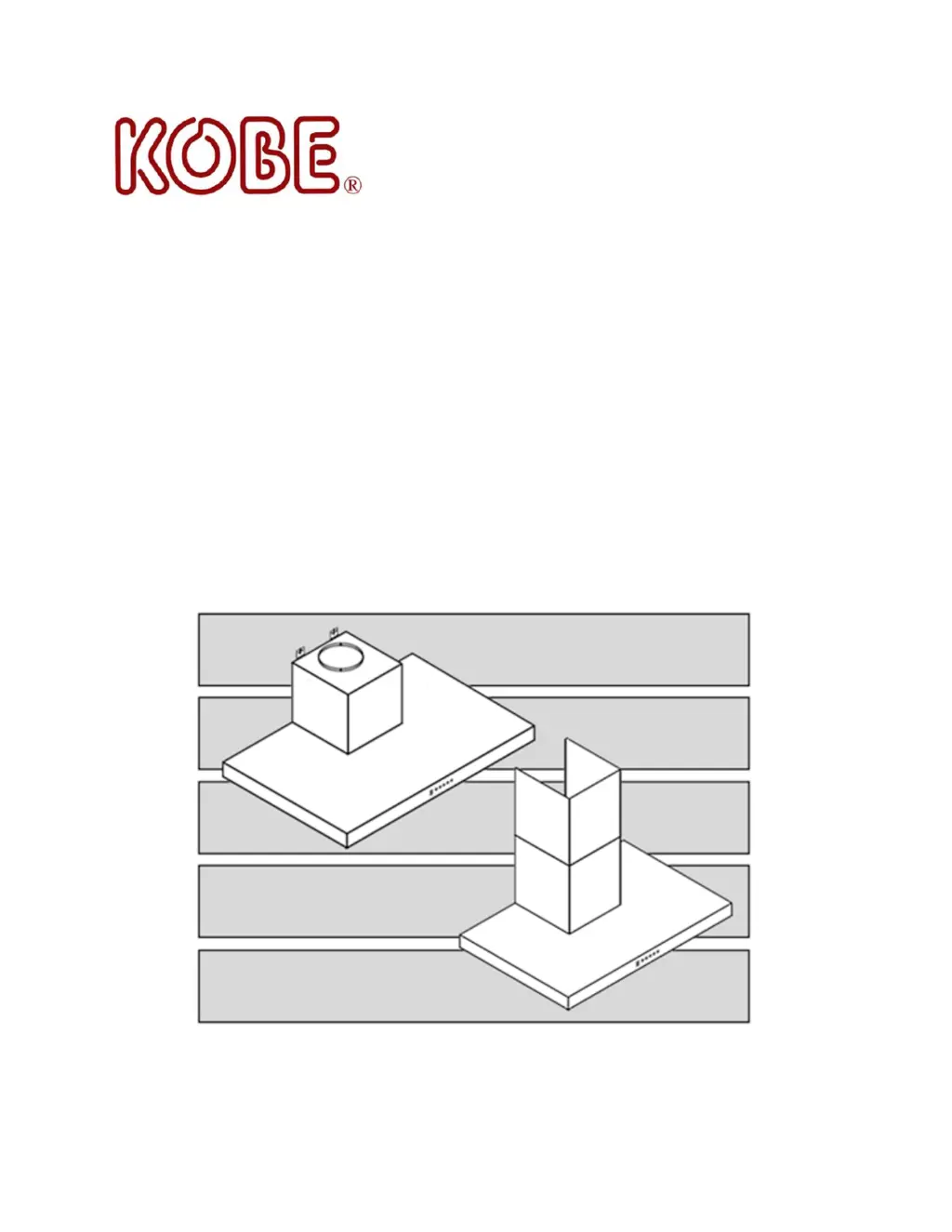
KOBE Premium Series - User Manual

KOBE Premium Series
30 pages
Print Icon
To Next Page IconTo Next Page
Loading...
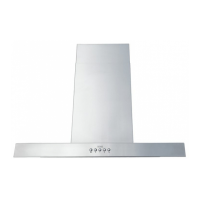
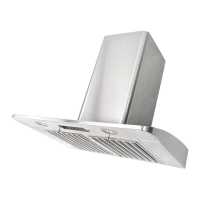
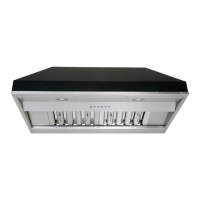
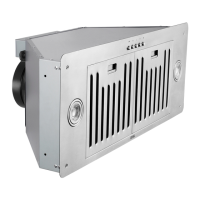
KOBE Range Hoods
Premium Series
Mila CH77 Series
Model No.:
Under Cabinet:
CH7730SQ6-XX (30”)
CH7736SQ6-XX (36”)
CH7748SQ6-XX (48”)
Wall Mount:
CH7730SQ6-WM-XX (30”)
CH7736SQ6-WM-XX (36”)
CH7748SQ6-WM-XX (48”)
INSTALLATION INSTRUCTIONS
AND OPERATION MANUAL

Questions and Answers

  • M
    Michael AndrewsAug 17, 2025
    Why is my KOBE Premium not venting out correctly?
    • S
      Steven ValdezAug 17, 2025
      If your KOBE Ventilation Hood isn't venting correctly, it might be due to several reasons. First, ensure the hood is installed within the recommended clearance of 26” to 30” above the cooktop (30” to 36” for island hoods). Insufficient make-up air in the house can also be a factor; try opening a window to improve airflow. Obstructions in the ductwork should be removed. Finally, verify that the duct size matches the manufacturer's recommendations.
  • V
    Victoria StoneAug 19, 2025
    How to troubleshoot KOBE Premium Ventilation Hood when motors and lights are not working after installation?
    • M
      Monica PatelAug 20, 2025
      If, after installation, both the motors and lights on your KOBE Ventilation Hood aren't working, here's what to check: * Ensure the circuit breaker and the unit's power are turned ON. Use a voltage meter to confirm the power supply. * Inspect and tighten all wire connections. * Check the wire continuity from the control panel to the processor board. * If the above steps don't resolve the issue, the control panel or processor board may be defective and require replacement.
  • J
    Janice NguyenAug 22, 2025
    What to do if my KOBE Premium Ventilation Hood is vibrating?
    • U
      urogersAug 22, 2025
      If your KOBE Ventilation Hood is vibrating, it could be due to a few reasons. Ensure the blower system is securely tightened, including the turbine impeller/squirrel cage and air chamber. If the vibration persists, the turbine impeller/squirrel cage might be unbalanced and need replacement. Also, check the hood's installation and tighten the mounting brackets to ensure it's firmly in place.
  • A
    Ashley BurnsAug 26, 2025
    What to do if KOBE Ventilation Hood motor is working, but the lights are not?
    • R
      Robin DavisAug 26, 2025
      If your KOBE Ventilation Hood lights are not working but the motor is running, the LED light fixture(s) may be defective and need replacement. Check the wire continuity from the processor board to the light transformer and then to the LED light fixture(s) to ensure there are no loose connections. If the issue persists, the control panel or processor board might be defective and require replacement.
  • P
    Philip CowanAug 28, 2025
    Why is cold air coming into my home from KOBE Premium Ventilation Hood?
    • R
      Rachel ConwayAug 28, 2025
      If cold air is coming into your home through the KOBE Ventilation Hood, inspect the pipe installation to ensure it is properly sealed. Also, check the damper installation; it may be missing or improperly installed. Installing the damper will help eliminate air backflow.
  • F
    floresbettyAug 30, 2025
    What to do if lights are working, but motor(s) is not on my KOBE Premium Ventilation Hood?
    • A
      Andrew GuerreroAug 30, 2025
      If the lights are working on your KOBE Ventilation Hood, but the motor(s) is not, the motor(s) may be defective and need replacement. Alternatively, the capacitor(s) could be defective and also need replacement. It is also possible that the control panel or processor board is defective, requiring replacement.
  • R
    Ryan LawrenceSep 2, 2025
    What to do if the lights are not working on my KOBE Premium?
    • L
      Luis GonzalezSep 2, 2025
      If the lights on your KOBE Ventilation Hood aren't working but the motor is, the LED light fixture(s) may be defective and need replacement. Also, check the wire continuity from the Control Panel to the LED Driver and then to the LED light fixture(s) to ensure the light wiring(s) isn't loose. If wiring is not the case, the control panel or LED light driver might be defective and require replacement.
  • C
    Courtney CaseSep 5, 2025
    How to fix a vibrating KOBE Ventilation Hood?
    • A
      April WestSep 5, 2025
      If your KOBE Ventilation Hood is vibrating, it could be due to a few reasons. Check if the blower system is secure by tightening the turbine impeller/squirrel cage and air chamber. If that doesn't solve it, the turbine impeller/squirrel cage might be unbalanced and need replacement. Also, ensure the hood is securely mounted by checking the installation and tightening the mounting bracket.
  • D
    David GarrettSep 7, 2025
    Why is cold air coming into my home from the KOBE Premium?
    • G
      grothSep 7, 2025
      If cold air is coming into your home through the KOBE Ventilation Hood, check the pipe installation to ensure it's properly sealed. Also, inspect the damper installation; it might be missing or improperly installed. Installing the damper will help eliminate air backflow.
  • J
    James RichardsonSep 12, 2025
    How to troubleshoot KOBE Ventilation Hood with no power after installation?
    • A
      Angela WatsonSep 12, 2025
      If neither the motors nor the lights are working on your KOBE Ventilation Hood after installation, first ensure that the circuit breaker and the unit's power are turned ON, and use a voltage meter to check the power supply. Then, check and tighten the wire connections. If the issue persists, the control panel might be defective and need replacement.

Summary

Important Pre-Installation Guidelines

Preparation Before Installation

Check contents, inspect for damage, and test unit before installation.

Problem Resolution Steps

Do not install if damaged; have invoice/serial number ready; contact merchant or customer service.

Return and Exchange Policy

No returns if product is installed, punctured, or packaging is missing.

Safety Instructions and Precautions

General Safety Warnings

Professional installation, avoid hidden utilities, vent outside, power off before servicing.

Grease Fire Safety

Keep surfaces clean, turn hood on, use high settings cautiously, do not leave unattended.

Emergency Procedures

Grease Fire Response

Smother flames, keep flammables away, evacuate if needed, do not use water.

Gas Leak Response

Extinguish flames, do not turn on appliances, disperse gas, call authorities.

Important Cautions and Warnings

General ventilation use, metal ductwork, follow standards, avoid ignition sources.

Under Cabinet Package Contents

Under Cabinet Components List

Lists main hood, warranty card, filters, exhaust, wire caps, screws, etc.

External Information Resources

Provides website and phone number for more information.

Wall Mount Package Contents

Wall Mount Components List

Lists hood, warranty card, filters, duct cover, mounting bracket, screws, etc.

Product Support Channels

Provides website and phone number for more information.

Installation Calculations

Under Cabinet Installation Measurements

Defines dimensions A-E for under cabinet installation based on Table 1.

Wall Mount Installation Measurements

Defines dimensions A-F for wall mount installation based on Table 2.

Under Cabinet Installation Guide

Preparation for Under Cabinet Install

Avoid debris in vent, decide vent location, test hood, peel film, seal joints, check opening.

Securing the Hood Mounting Bracket

Use hand tools, mark leveling point, secure mounting screws, attach and tighten brackets.

Under Cabinet Ductwork Installation

Connect exhaust pipe using steel pipe and duct tape for secure, airtight joints.

Under Cabinet Power Supply Wiring

Ensure proper grounding, switch power off, connect wires with connectors.

Under Cabinet Accessory Placement

Place airflow efficiency panel underneath the hood.

Under Cabinet Final Assembly

Turn power on, check operation, leave manual for homeowner.

Wall Mount Installation Guide

Preparation for Wall Mount Install

Avoid debris, decide vent location, test hood, peel film, seal joints, prepare wall frame.

Securing the Hood Mounting Bracket

Use hand tools, mark leveling point, position mounting screws, attach and tighten brackets.

Wall Mount Ductwork Connection

Use steel pipe to connect exhaust to ductwork with duct tape.

Wall Mount Power Supply Wiring

Ensure proper grounding, switch power off, connect wires with connectors.

Wall Mount Duct Cover Installation

Mark bracket position, attach bracket, position duct cover, secure inner and outer covers.

Wall Mount Accessory Placement

Place airflow efficiency panel underneath the hood.

Wall Mount Final Assembly

Turn power on, check operation, leave manual for homeowner.

Operating Instructions Overview

Control Panel and Button Functions

Describes buttons for Power, Light, Fan Speed, ECO Mode and LED display indicators.

Automatic Mode Operation

Hood turns on automatically with flame/fire sensors; functions with gas ranges.

Operating Features

Delay Shut-off Features

Automatic or manual 5-minute delay shut-off for fan; lights operate independently.

ECO Mode Functionality

Activates fan on QuietMode™ for 10 mins/hr to improve air quality; independent of other modes.

Manual Power and Speed Control

Turn hood on/off manually; speed defaults to 3, adjustable via buttons.

Light Control Operation

Cycle light intensity through bright, medium, dim, and off; independent of power/speed.

Remote Control Usage

Control power, delay shutoff, fan speed, ECO, and light from a distance.

Maintenance and Cleaning

Cleaning the Hood Surface

Use mild soap, soft cloth, or stainless steel cleaner; avoid abrasives and steel wool.

Cleaning Filters and Panels

Drain oil, wash with soapy water, dishwasher safe; wear gloves when removing.

Product Specifications

Model and Size Details

Lists model numbers, sizes, color, consumption, power rating, blower, design, exhaust, controls, lights.

Dimensional Specifications

Provides hood and duct cover dimensions for different models.

Optional Accessories and Weight

Lists optional back panels and weights for different models.

Performance Specifications

Details Air Capacity (CFM) and Sone (dB) for various speeds.

Measurements and Diagrams

Under Cabinet Dimensions

Provides detailed measurements and diagrams for under cabinet models.

Wall Mount Dimensions

Provides detailed measurements and diagrams for wall mount models.

Mounting Bracket Dimensions

Hood Mounting Bracket Diagram

Shows dimensions for the hood mounting bracket.

Duct Cover Mounting Bracket Diagram

Shows dimensions for the duct cover mounting bracket.

Parts List - Under Cabinet

Under Cabinet Component Identification

Lists part numbers and descriptions for under cabinet models.

Under Cabinet Parts Diagram

Under Cabinet Component Illustration

Visual representation of parts for under cabinet installation.

Parts List - Wall Mount

Wall Mount Component Identification

Lists part numbers and descriptions for wall mount models.

Wall Mount Parts Diagram

Wall Mount Component Illustration

Visual representation of parts for wall mount installation.

Circuit Diagram

Electrical Schematic

Shows wiring connections between motor, transformer, processor board, and control panel.

Troubleshooting Guide

Common Issues and Solutions

Addresses problems like power not on, motor vibration, lights not working, venting issues, and cold air.

Warranty Information

Warranty Coverage Details

Two-year limited labor and parts warranty for manufacturing defects in the US and Canada.

Warranty Exclusions

Lists items not covered, such as normal wear, consumable parts, damage from misuse, accidents, or unauthorized repairs.

Warranty Service and Voidance

Warranty Voidance Conditions

Conditions that void the warranty, including improper installation, unauthorized repairs, duct alteration, and misuse.

Service Contact Information

Provides email and phone numbers for warranty service in the US and Canada.

Warranty Registration Form

Information to Record

Prompts user to record date of purchase, model number, and serial number.

Service and Parts Contact Details

Repeats contact information for warranty service and spare parts purchase in US and Canada.

Company Information and Disclaimers

Product Usage Disclaimer

States hood is for USA/Canada only; overseas use voids warranty.

KOBE Premium Series Specifications

General IconGeneral
MaterialStainless Steel
LightingLED
ModelPremium Series
Control TypeTouch
Available Sizes (inches)30, 36, 42
Speed Levels3
Filter TypeBaffle
Width30, 36, 42 inches
Voltage120V

Related product manuals