4. After using the HDR function, the image
will be saved as a new file and the
original file is still stored in the memory.
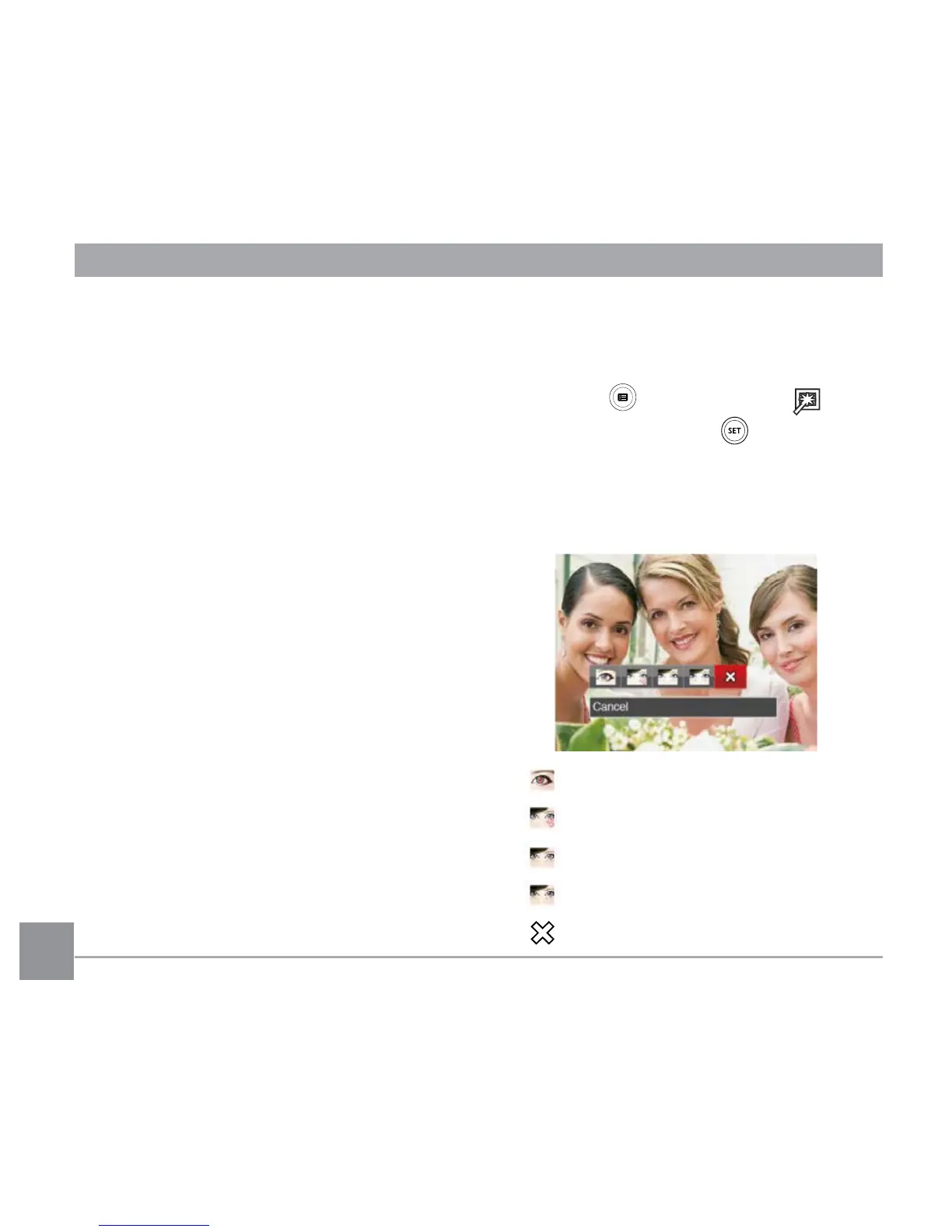
Touch-up
1. In Playback Mode, press the left /right
arrow button to select the photos to be
edited.
2. Press the button, select the
settings, and press the button to
display the settings screen.
3. Press the left/right button to select Touch-
up options or 「Cancel」 to return to the
playback Screen.
: Red-Eye Reduction
: Skin Soften
: Eye Brightening
: Eye Enlargement
: Cancel













 To Next Page