71
4. Press the button to confirm the
setting.
The Touch-up mentioned here is the
individual beautification for three
effects, beauty mode allows you to
select from single, two, or all three ef-
fects combined.
Rotate
You can use this setting to change the
orientation of the picture.
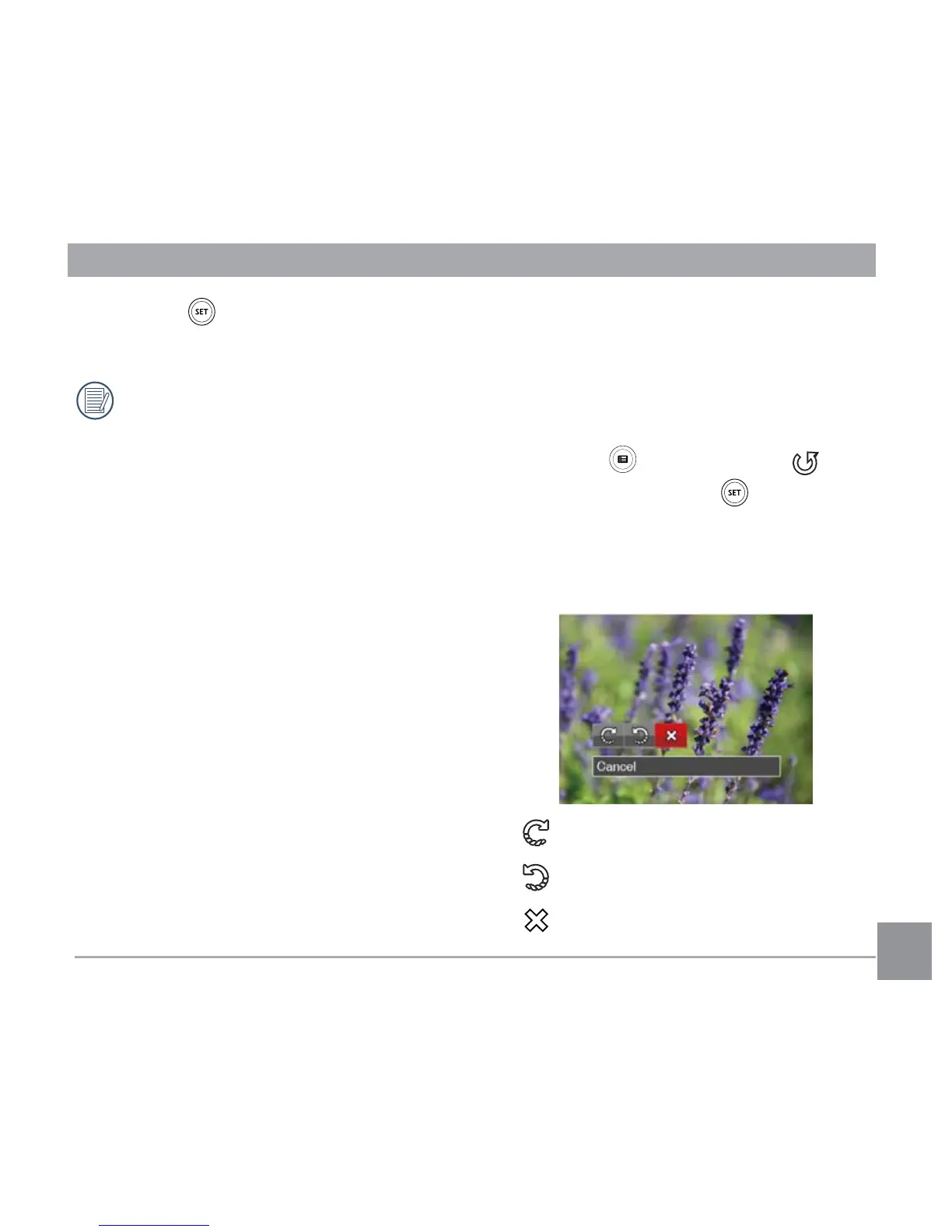
1. In Playback Mode, press the left /right
arrow button to select the photos to be
edited.
2. Press the button, select the
settings, and press the button to
display the settings screen.
3. Press the left/right button to select the
rotation direction or 「Cancel」 to return
to the playback Screen.
: Turn Right
: Turn Left
: Cancel



 To Next Page